EVENT MANAGEMENT FORMS
ONLINE FORMS & EVENT WAIVERS
Collect online RSVPs, eSignatures and consent from your guests, and all the information you need to provide them with the perfect event experience.




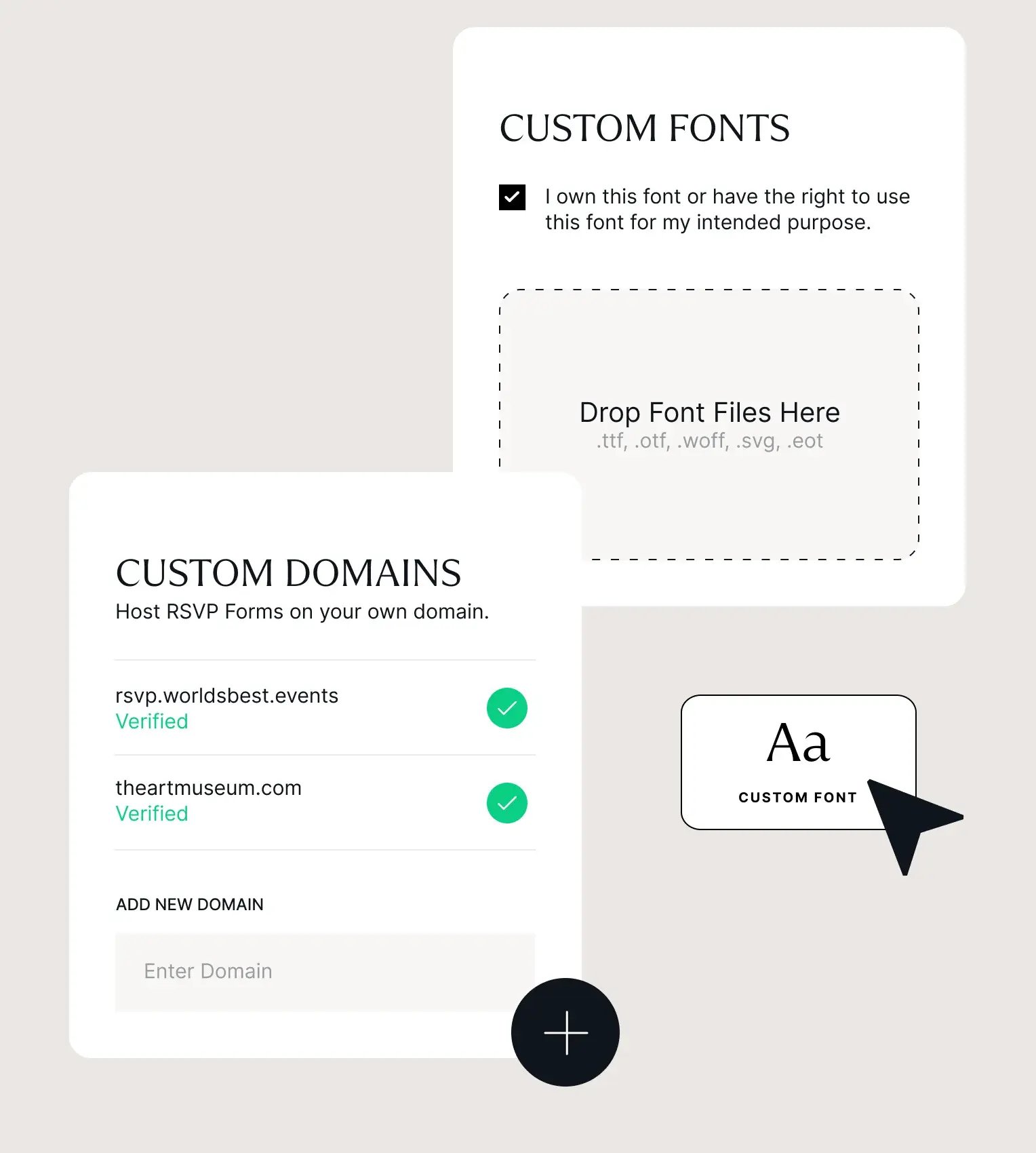
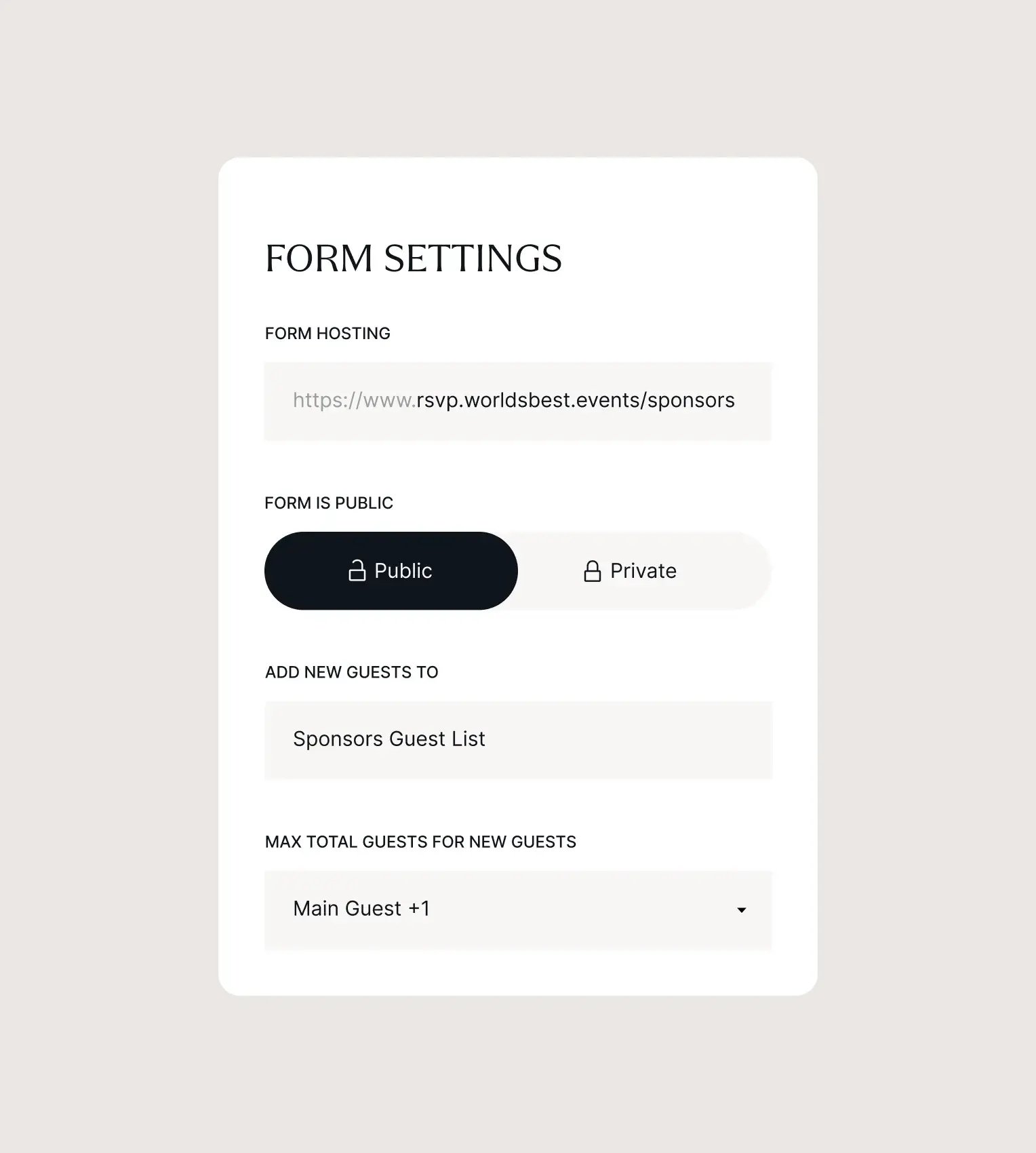
PERSONALIZE EVERY STAGE OF THE GUEST JOURNEY
.webp?width=2292&height=2550&name=forms-section3-visual1(1).webp)
.webp?width=1528&height=1700&name=add-to-calendar(3).webp)
.webp?width=1528&height=1700&name=apple-wallet(2).webp)
EVENT WAIVERS, CONSENTS & SIGNATURE COLLECTION
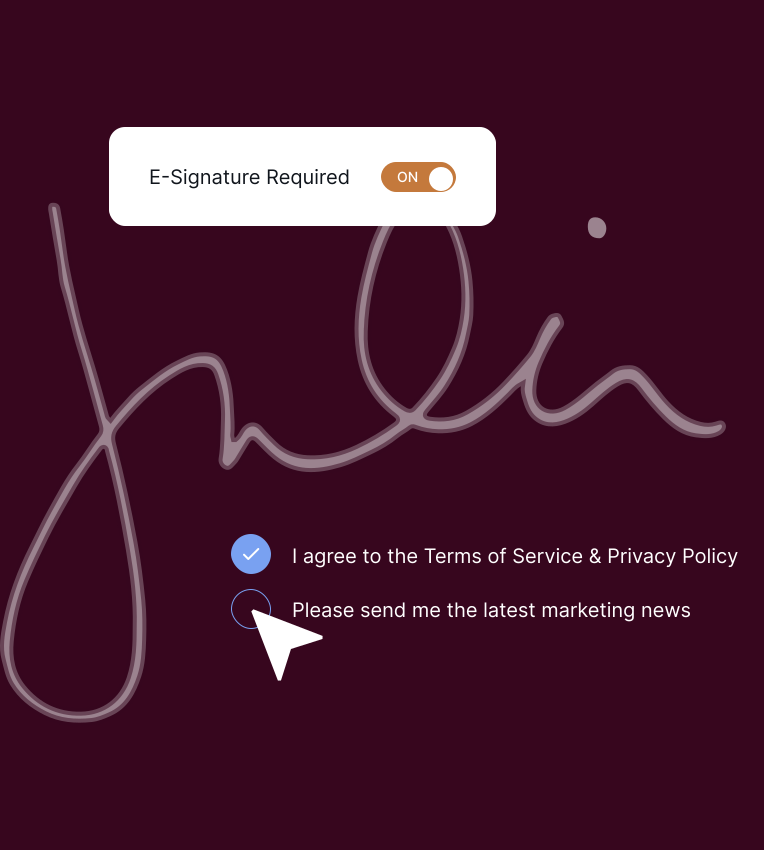
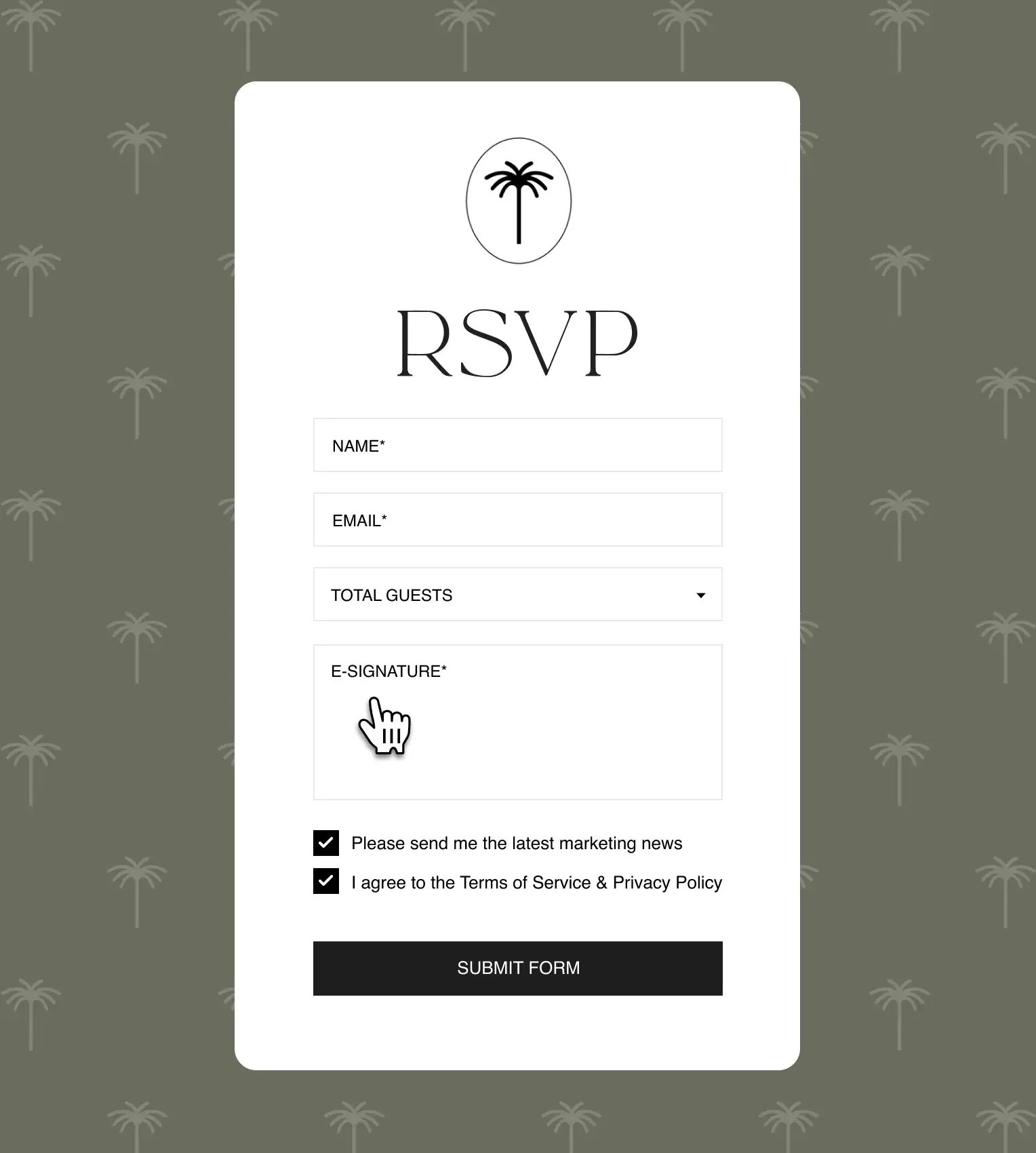
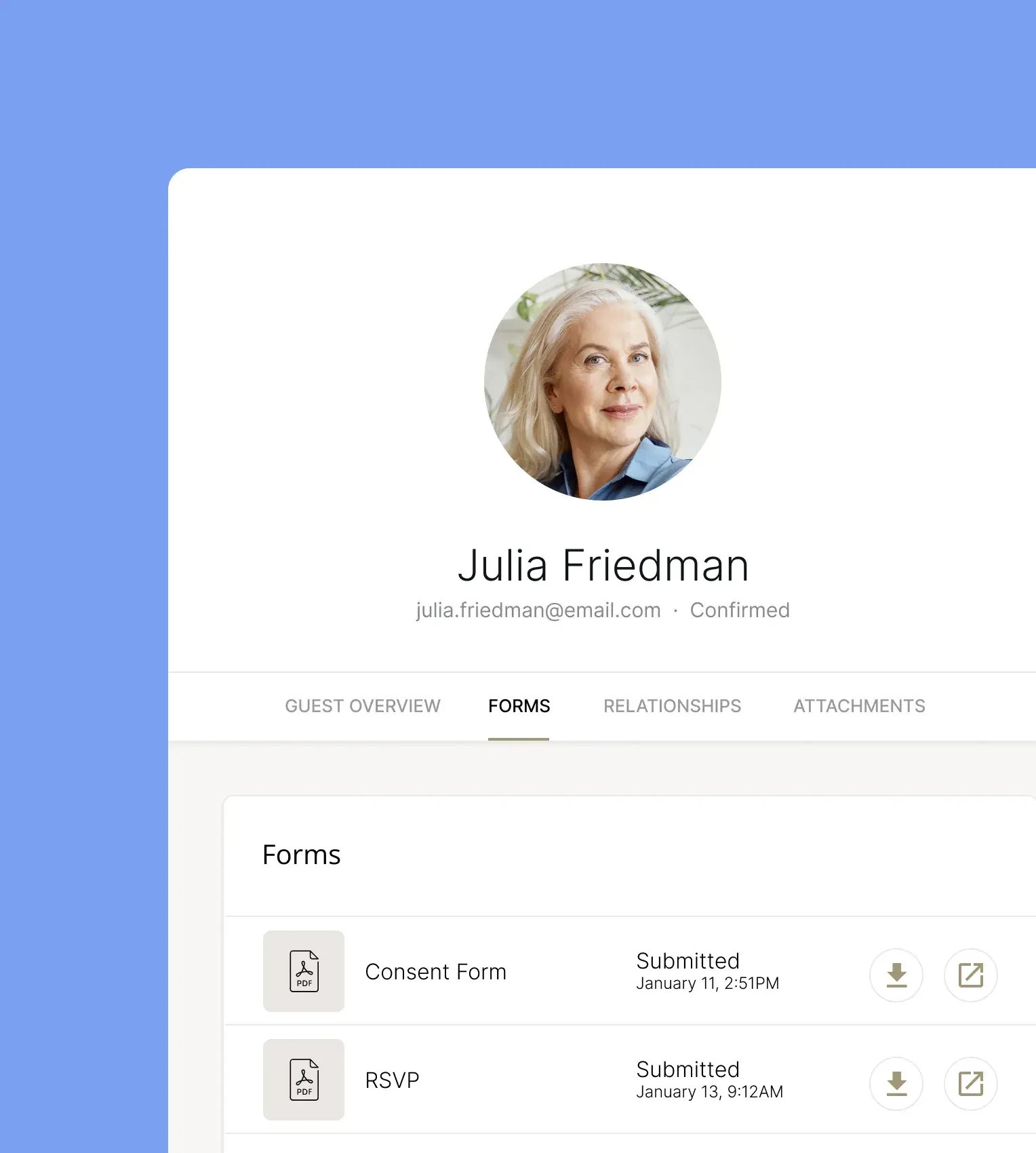
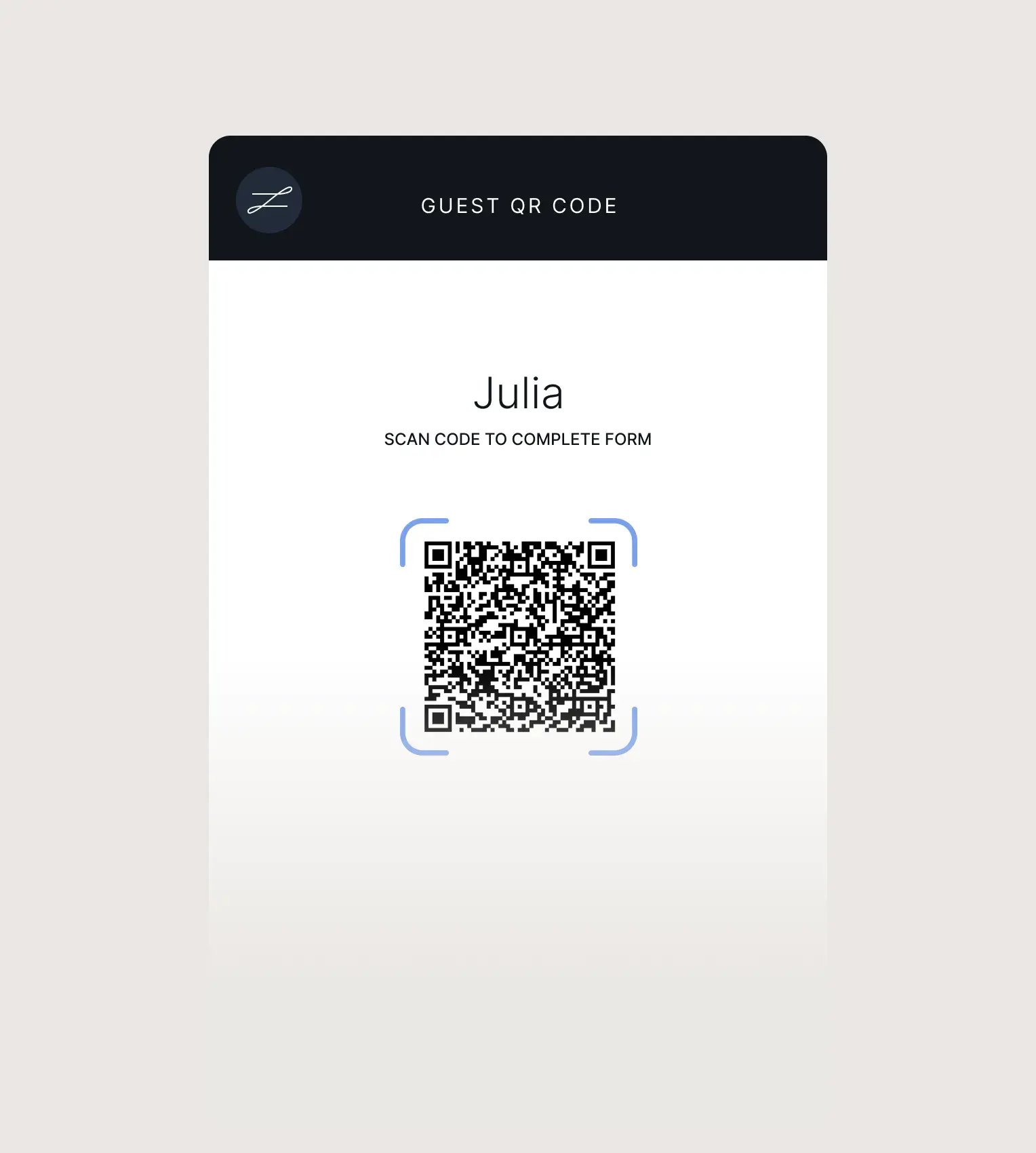
Native consent forms that can be signed directly on a tablet, making collecting eSignatures and guest opt-ins a breeze and streamlining your check-in process.
FORM ATTACHMENTS
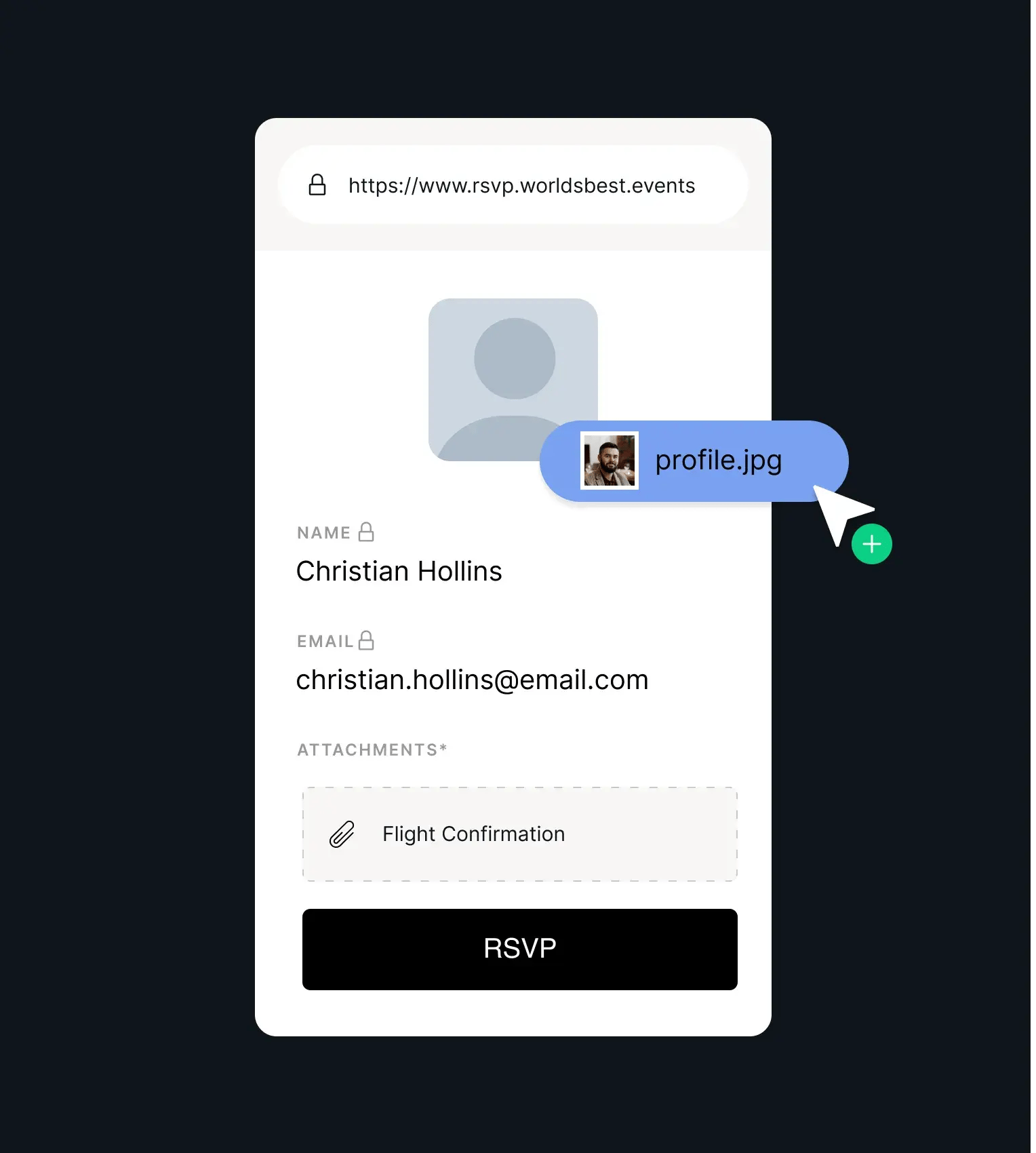
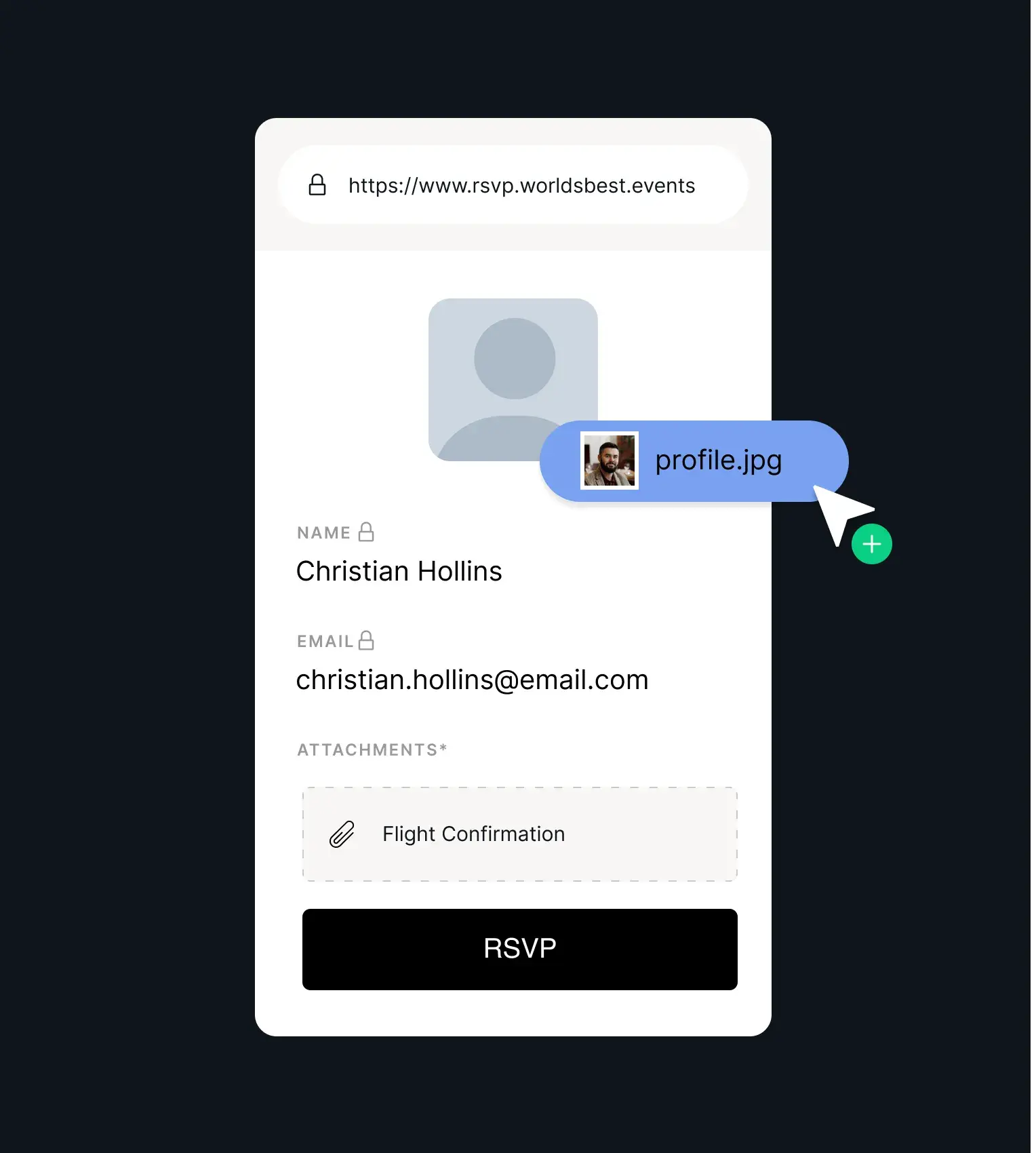
Allow guests to upload identification, medical information, profile pictures, travel documents and more by configuring forms to enable attachments.
-
 Guests can upload .pdf, .png, and .jpg files up to 5MB in size.
 -
Make it mandatory for guests to upload files in order to submit RSVPs for your event.
-
Automatically enrich your guest profiles with useful data.
-
Files and attachments can be viewed and downloaded via the browser and zkipster app.
EVENT RSVP FORMS
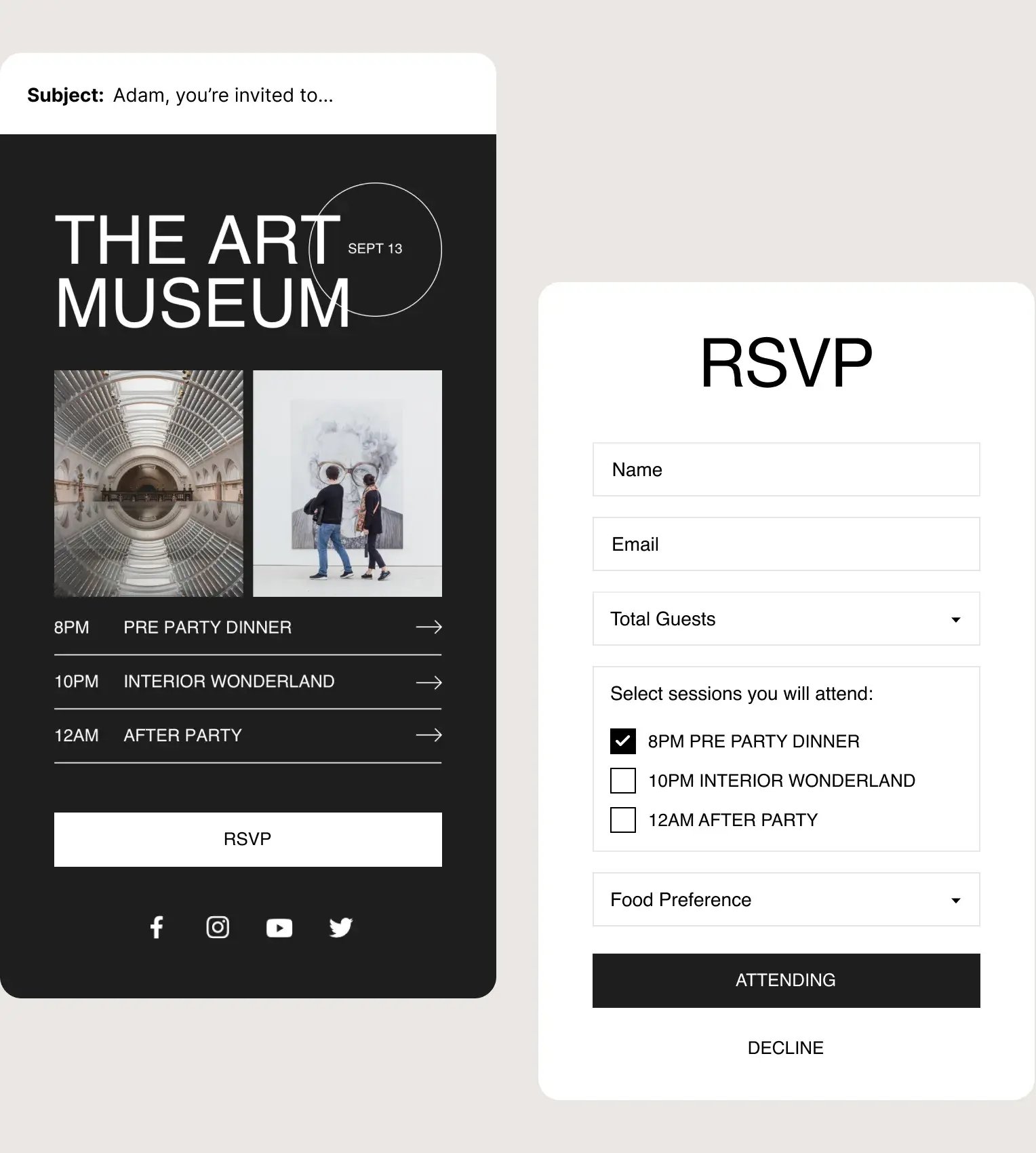
Create event management forms that are as simple or complex as your event, with complete control over your RSVP process.
-
.svg) Collect essential guest information with response fields and multiple choice checkboxes.
Collect essential guest information with response fields and multiple choice checkboxes. -
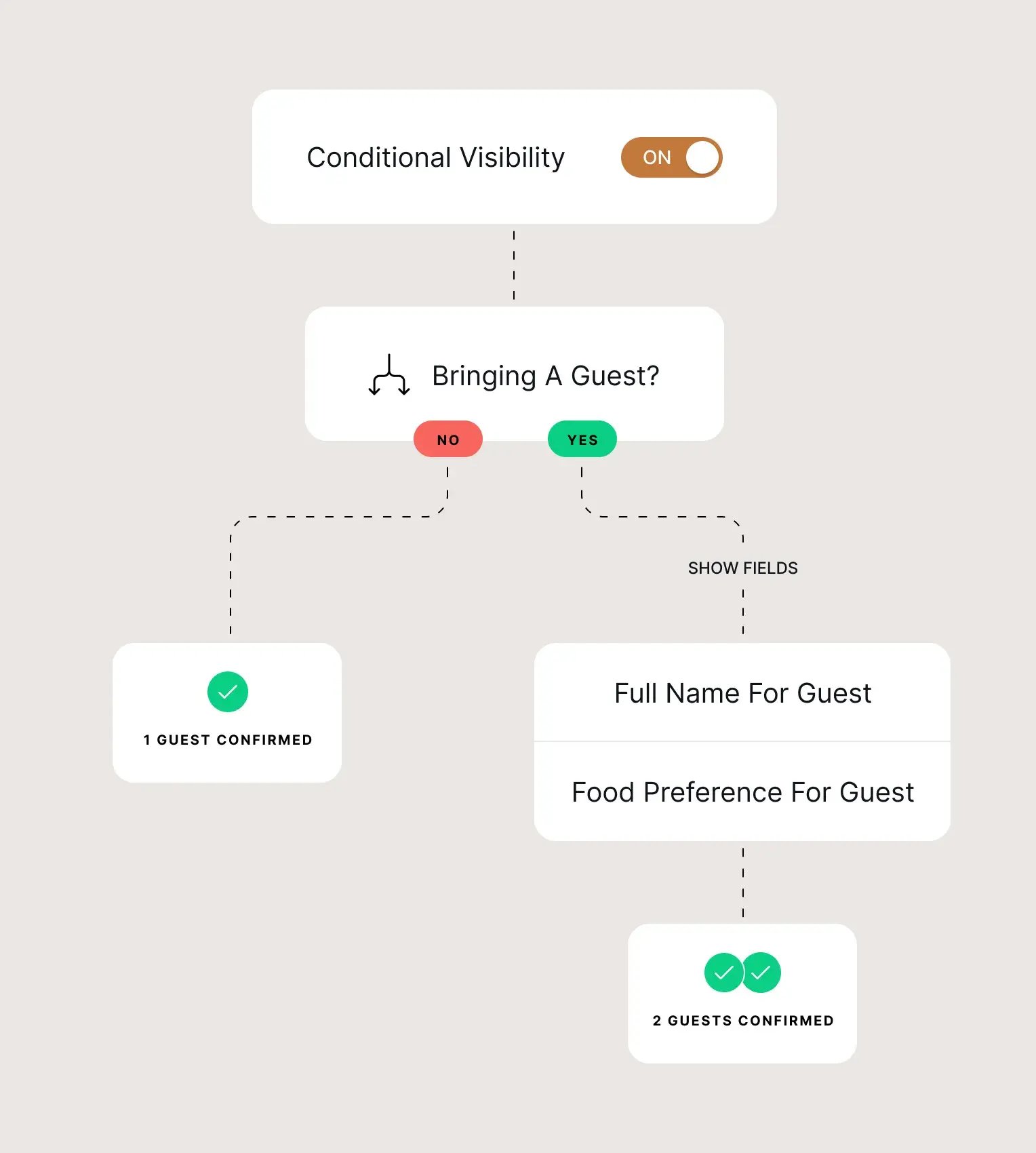
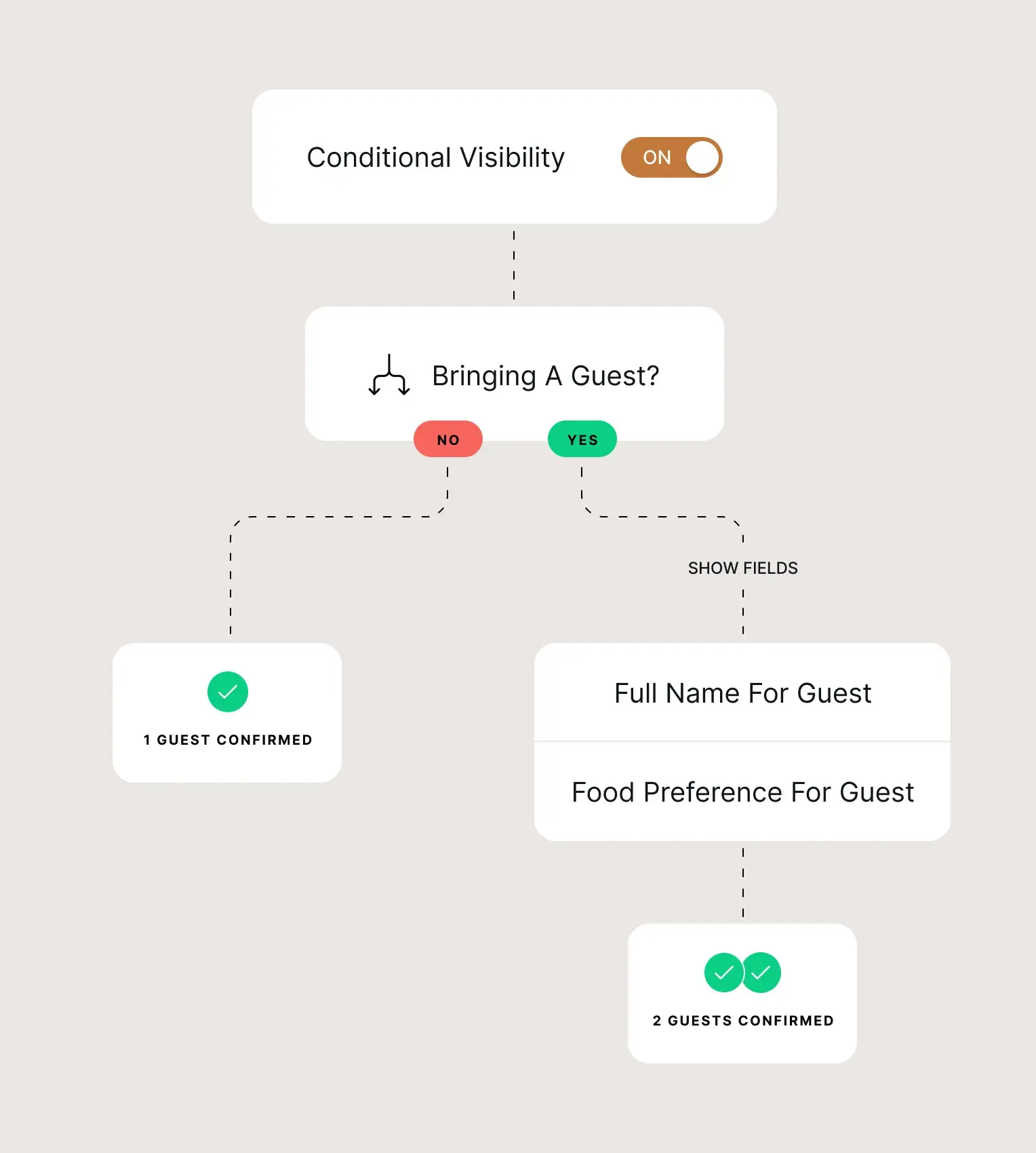
Pre-format different stipulations, and set online RSVP form fields to have mandatory or conditional visibility.
-
Choose a specific closing date for your form, or a conditional date based on receiving a set number of RSVPs, for example.
-
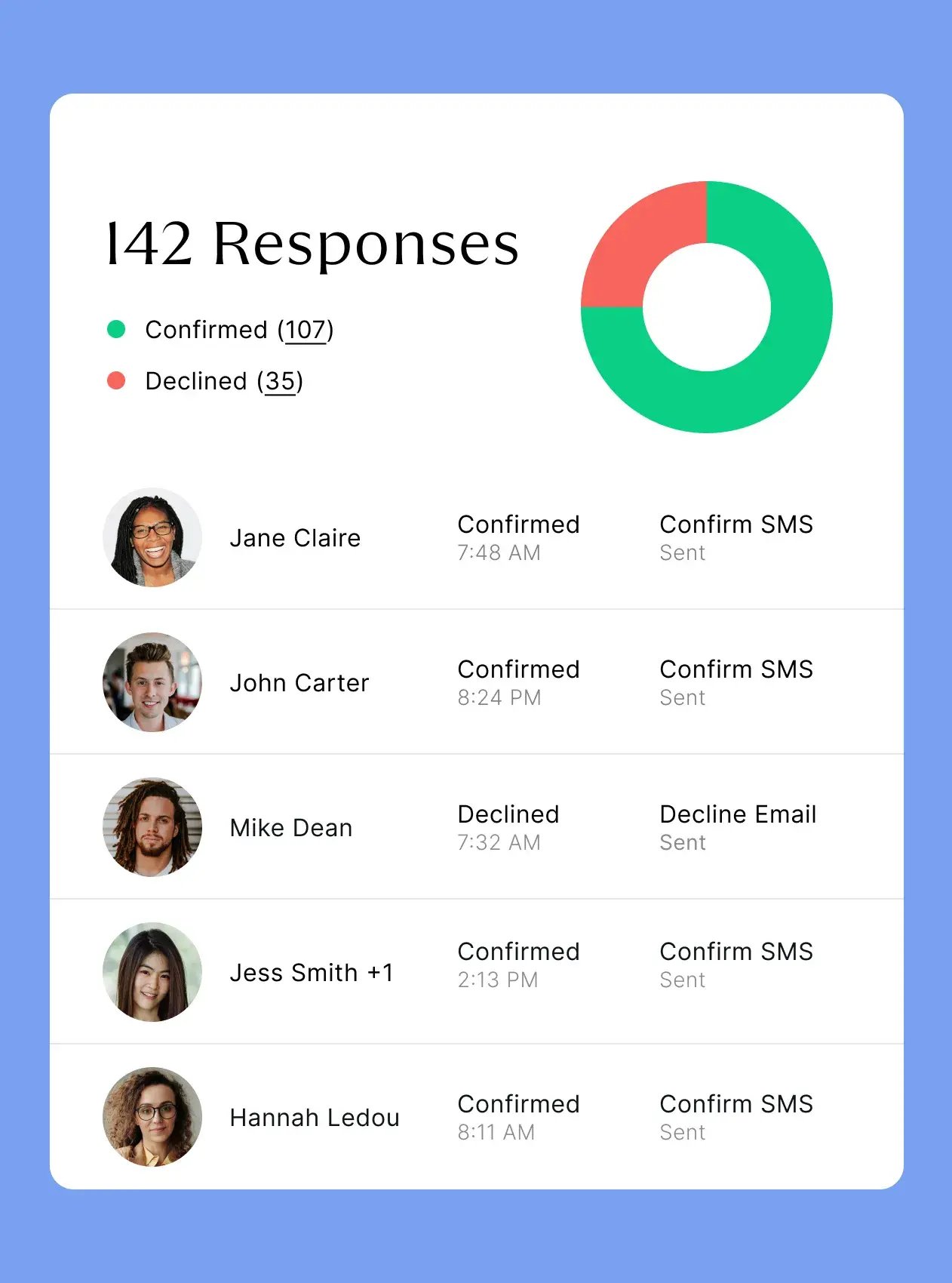
Track confirms and declines at a glance via the dedicated form summary page.
Follow up with a post-event survey
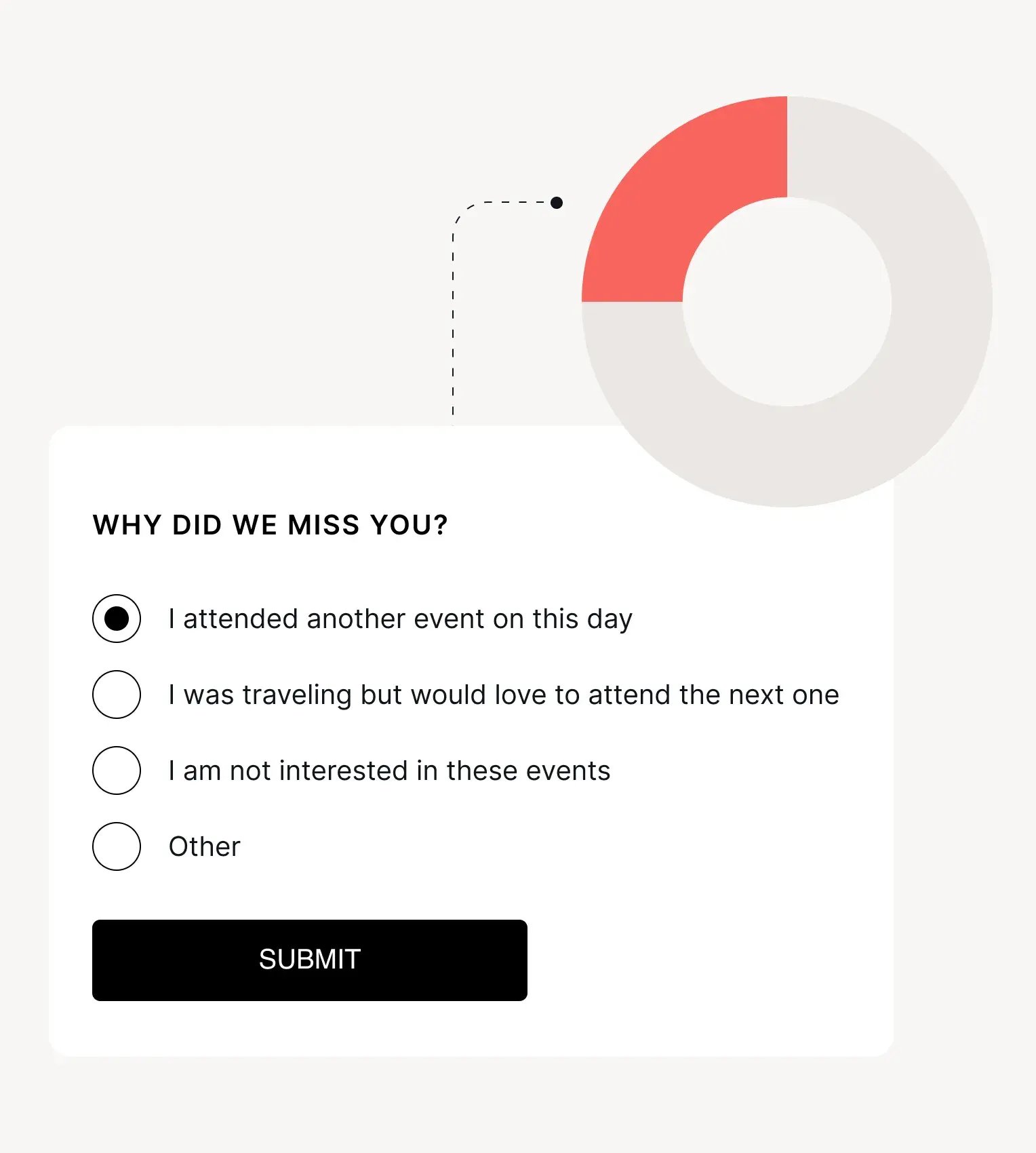
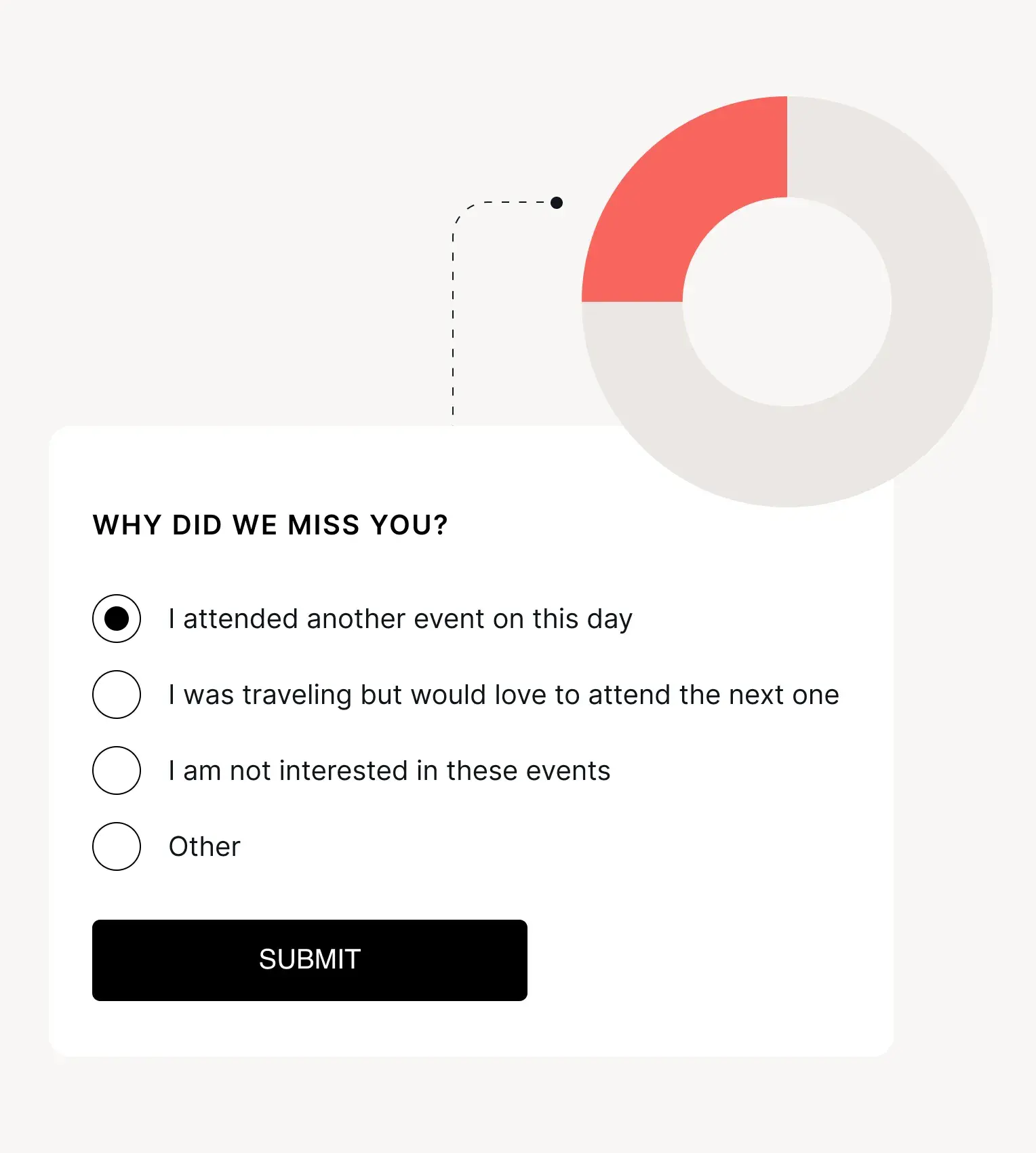
Request helpful feedback about your event by sending a guest survey, created with a cleverly-configured response form.
All the event communications you need
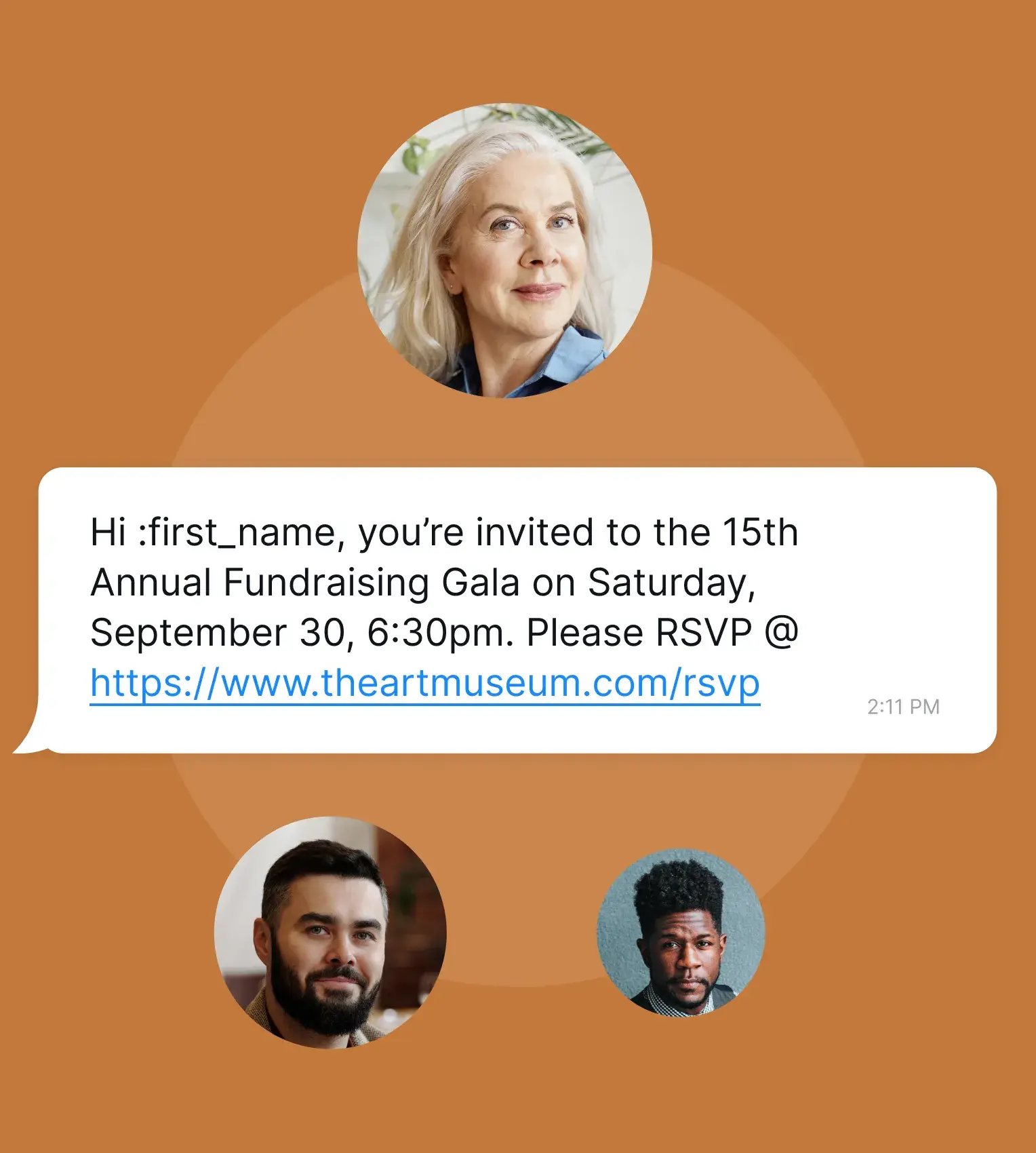
Effortlessly invite, inform and connect with guests by building custom, modular campaigns that combine email, WhatsApp, SMS and RSVP forms. When event day arrives, alert staff as VIPs arrive and inform guests of their table number when they check-in, with custom text and email alerts. All designed, sent, and managed with the zkipster Communications suite.
.svg)