.webp?width=631&height=850&name=_online-invitations-click-send(3).webp)
SEATING CHART APP
GUEST SEATING
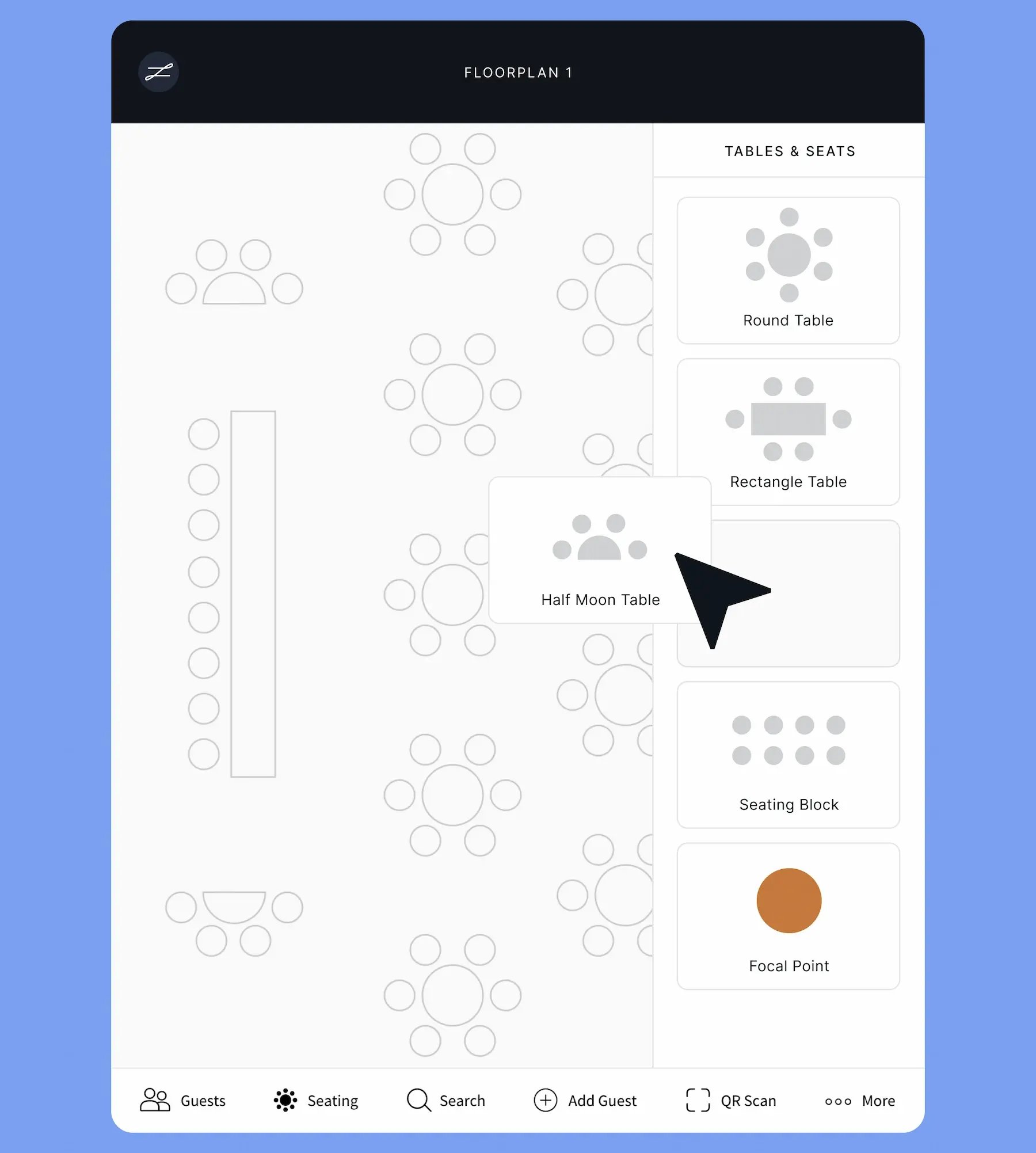
Add or edit tables and expand, rotate and label seating floorplans for any venue with the easy seating chart maker. A bird’s eye view makes it easy to build room and seating layouts in minutes.

.png)


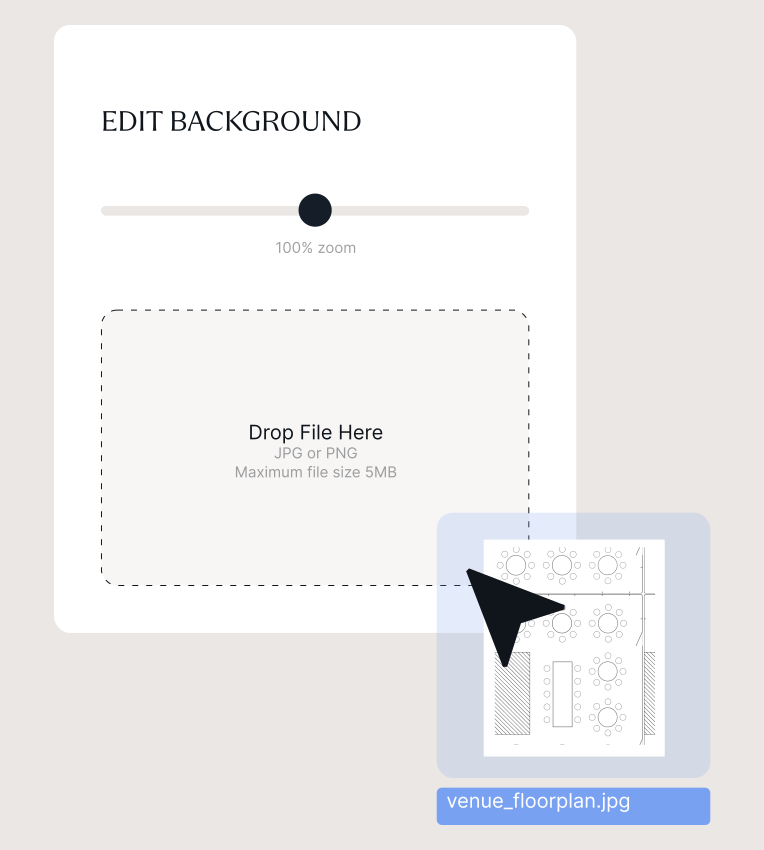
Work with different venues, hassle-free. Simply upload a floorplan image that will appear as the background to your seating chart template, then add guest seating.
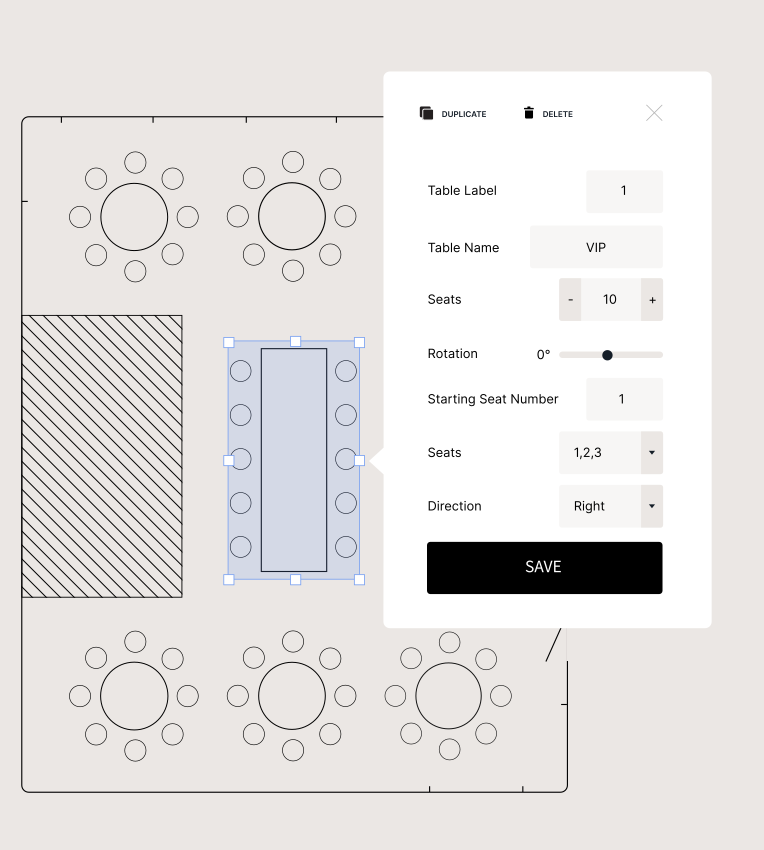
Use the seating chart planner to add seats in blocks or rows and at round, rectangular, or half moon table shapes; easily adjusting the table layout as you go. Add focal points to accurately mirror your event venue.
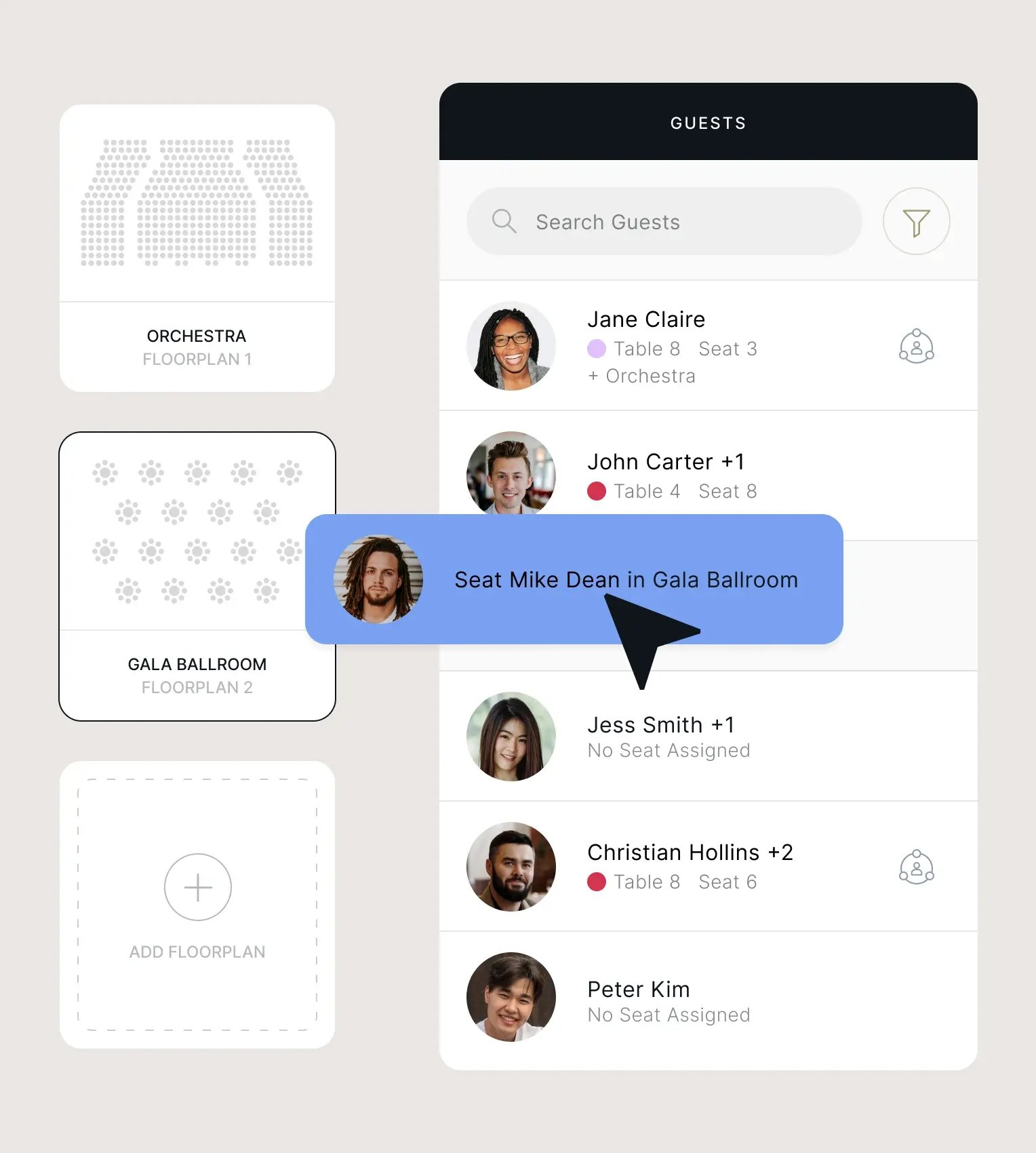
Complex event with multiple rooms or locations? No problem. Upload as many floorplans as you need, with the option to seat guests in one seating chart, some, or all.
Import an Excel spreadsheet to populate your seating chart. Adjust the spreadsheet formatting to seat guests manually or automatically, or use the easy drag-and-drop function to manually seat guests on your floorplan. You can also seat your guests using the zkipster API and an integration with a CRM or ticketing platform.
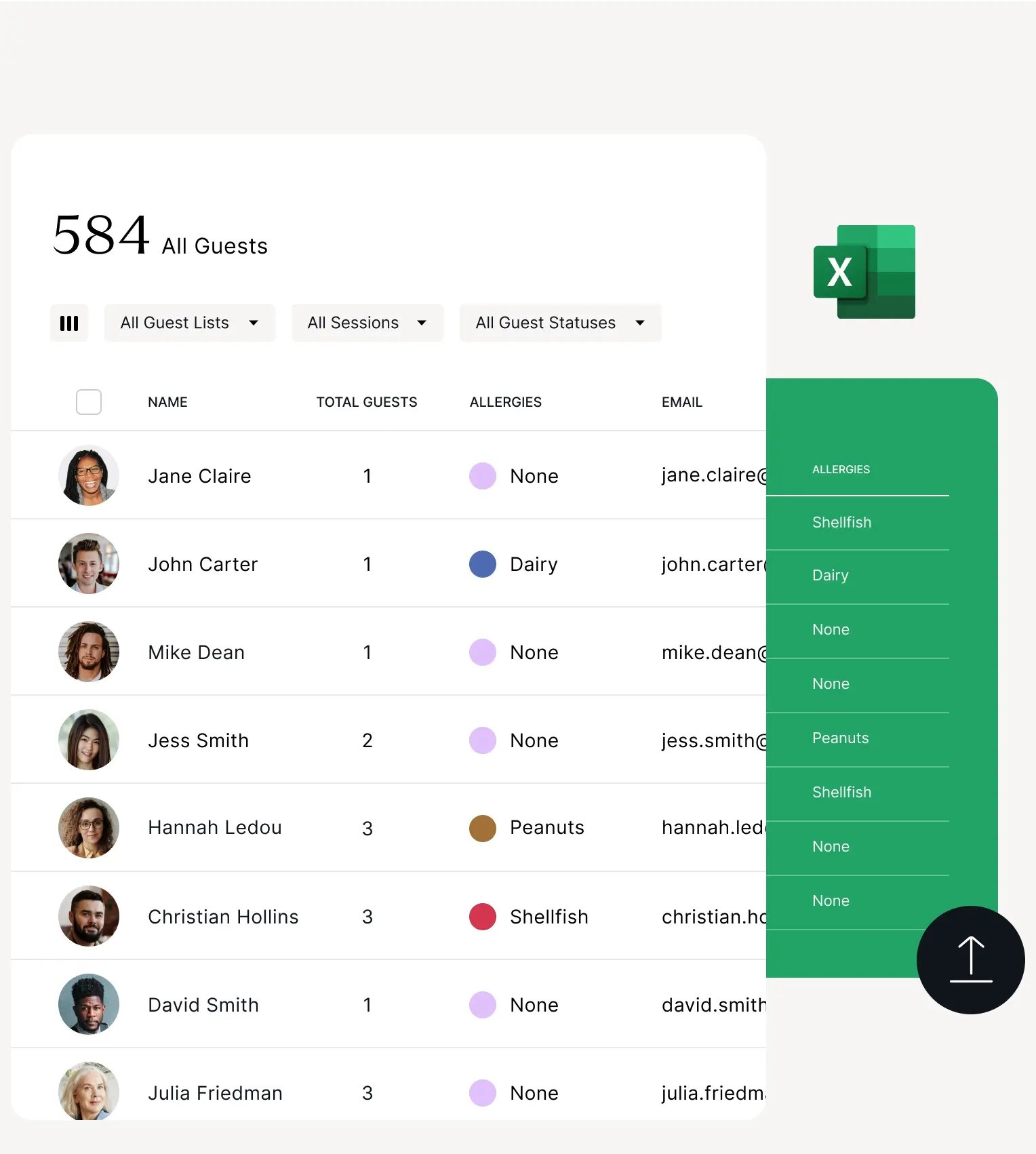
Enhance seating charts with guest preferences, statuses, connections and dietary requirements captured within your VIP profiles or collected via event communications and forms. Add depth and layers of detail with dynamic seating tags and clever color coding, using up to 20 colors.
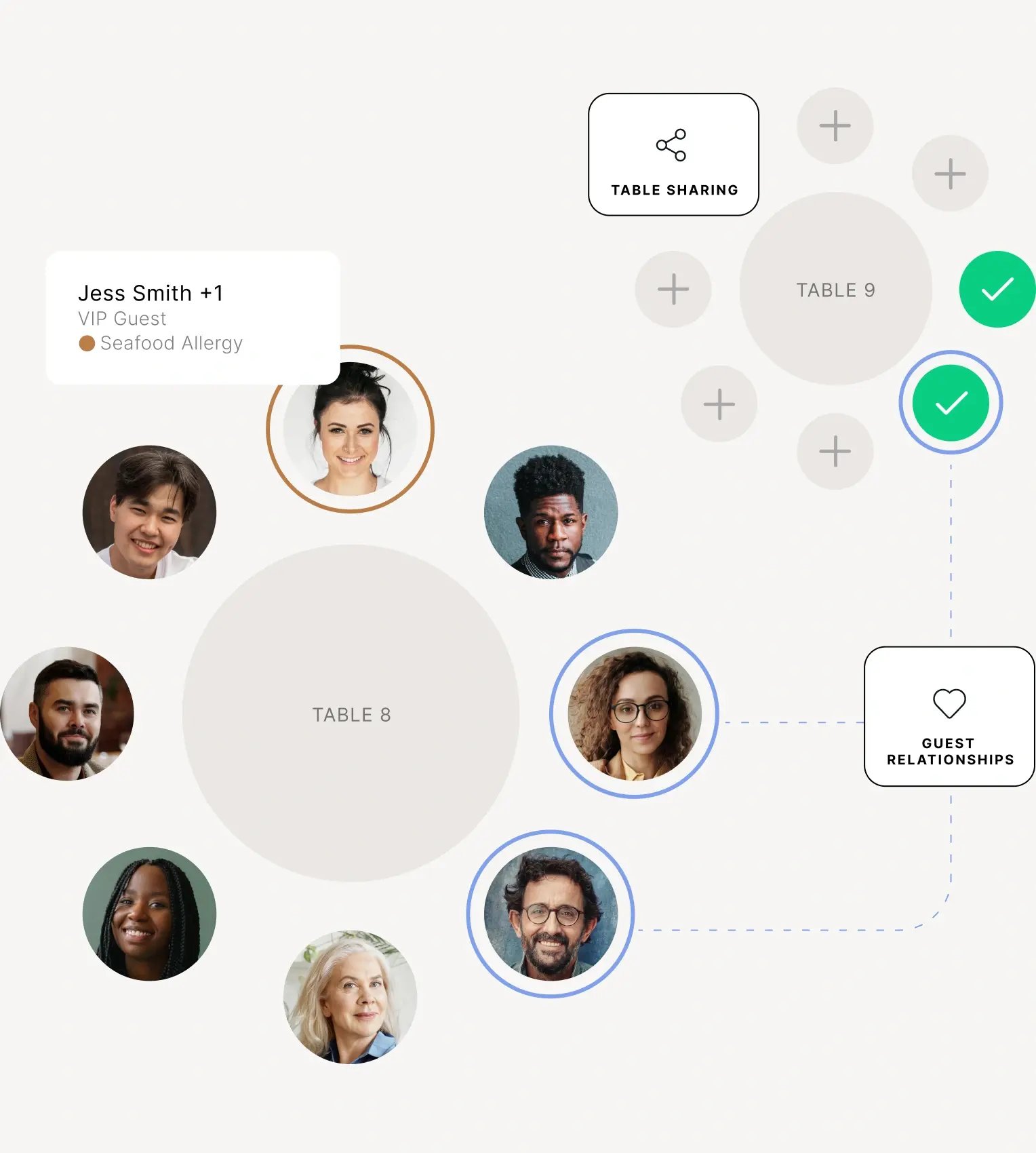
Clear, concise seating charts allow you to visualize guest relationships, dietaries and more at a glance. Print and export pdfs of individual tables or the whole overview in no time, filtered by the colors and guest categories you’ve applied.
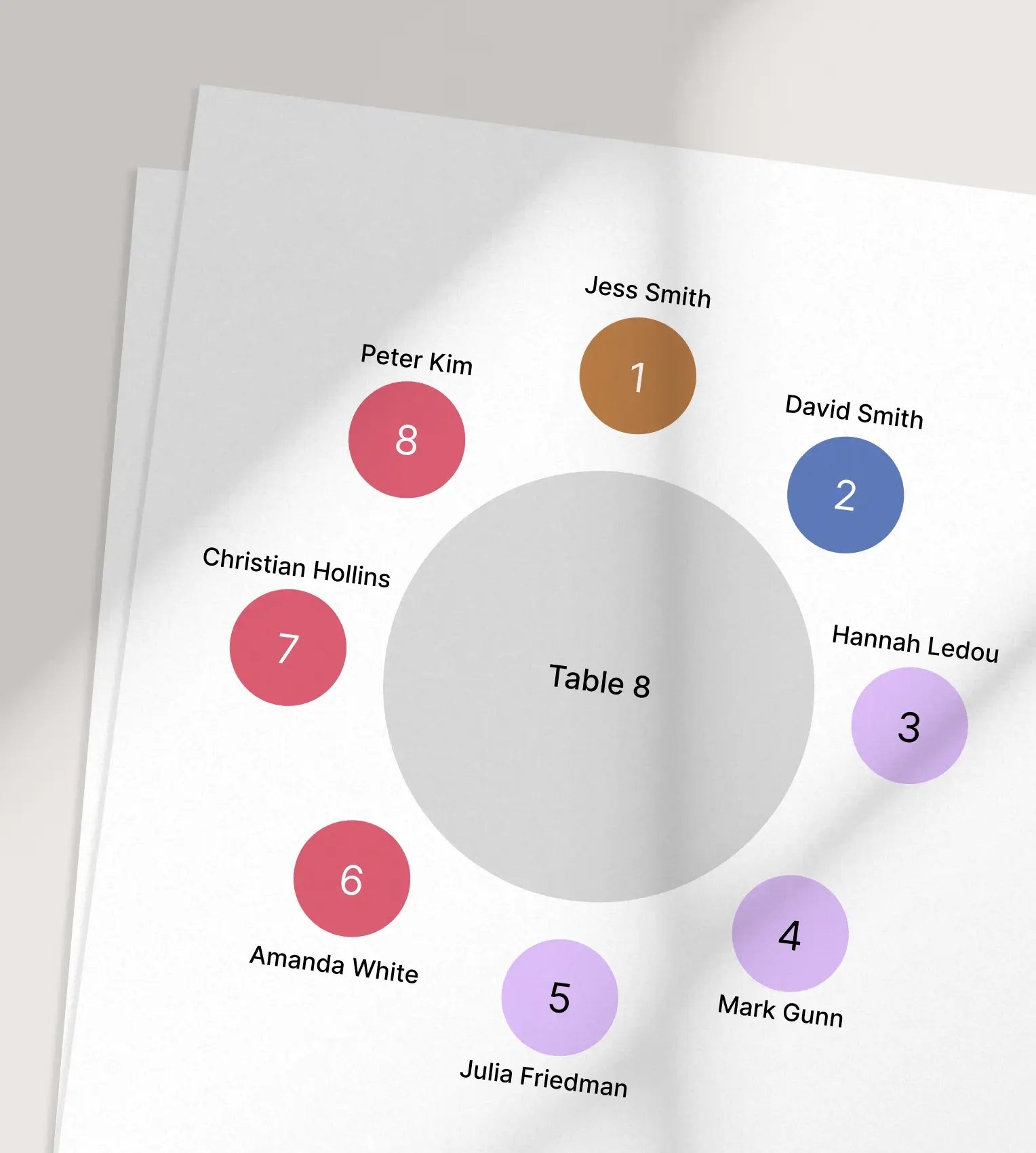
SEATING CHART PLANNER
Switch from desktop to the zkipster app for seating charts as you countdown to your event.
-
.svg) Finesse seating arrangements and effortlessly handle last-minute changes, like when a table of 12 suddenly becomes a 10.
Finesse seating arrangements and effortlessly handle last-minute changes, like when a table of 12 suddenly becomes a 10. -
Make adjustments to guests, seats and tables, and filter and amend guest relationships.
-
The seating chart app updates in real time, across all devices, for everyone, giving you complete peace of mind.
-
Ticks appear on seats as guests check into your event, providing a live view of arrivals.
SHARE A TABLE
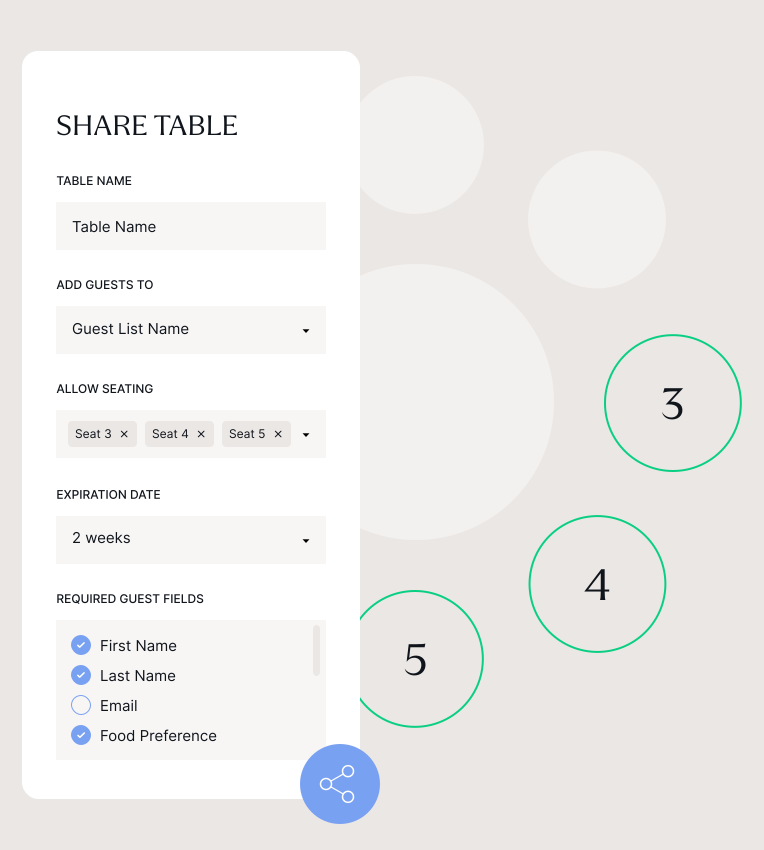
Empower hosts to personally curate their guests’ experiences while reducing your team’s workload. Share a table link with hosts so they can access their table in the cloud. There they can add names, dietary requirements and relationships, and seat guests exactly as they choose.
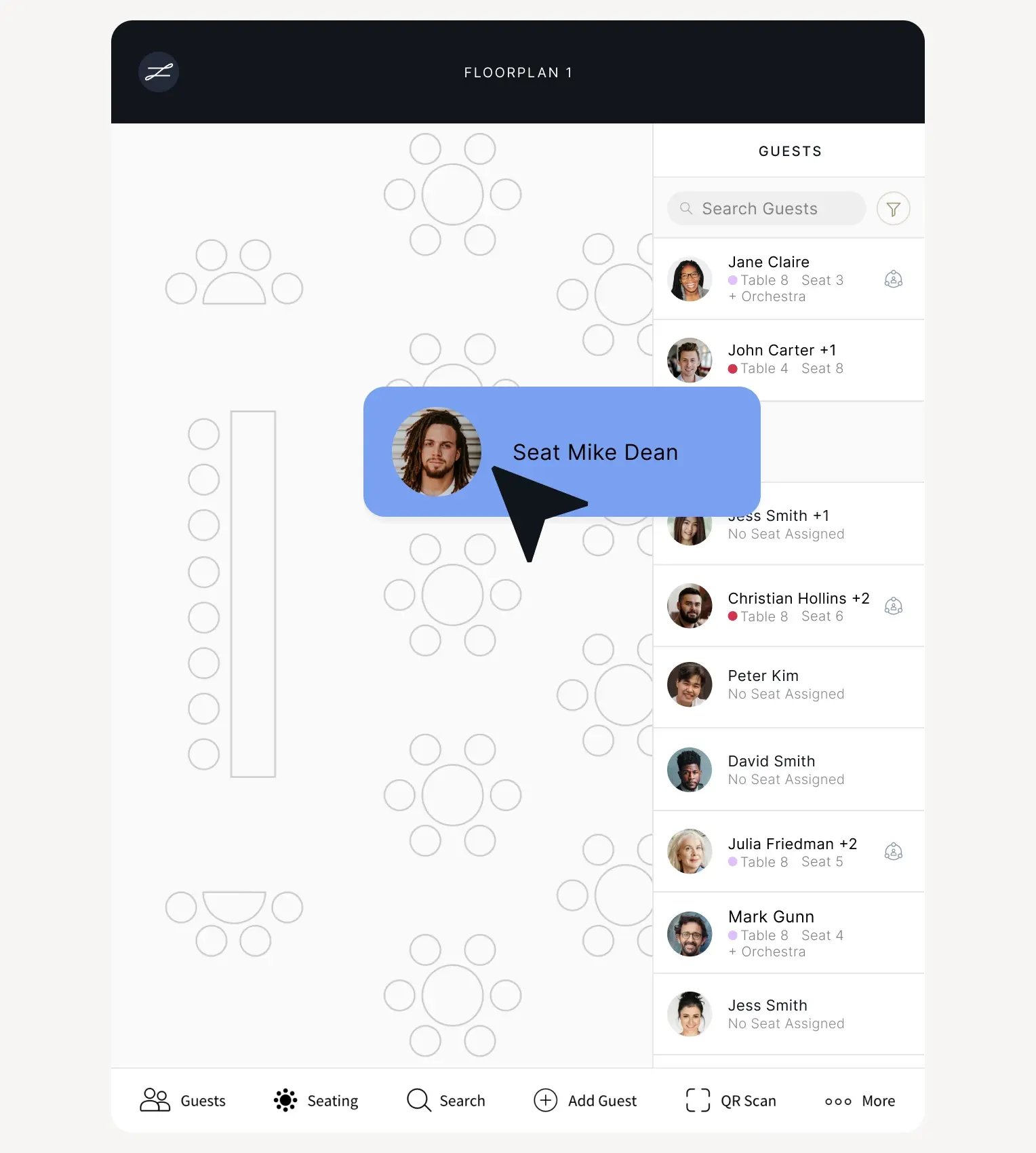
Assign guests to tables straight from your RSVP list, and collaborate on seating assignments in real time on the seating chart app with your team, stakeholders and clients. Essential for team meetings.
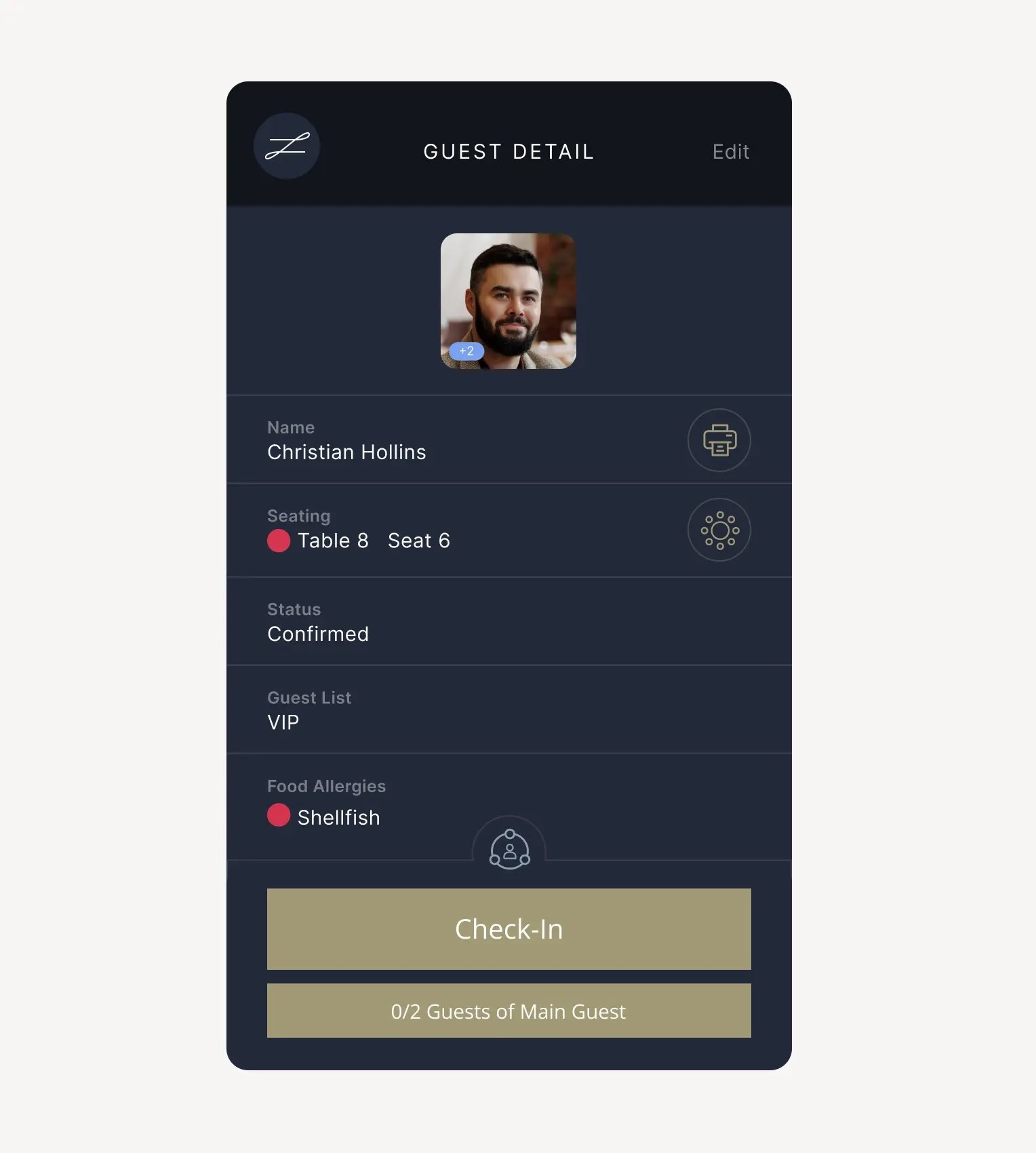
No need to open the seating chart every time. Seating info is saved in the guest profile at check-in, and can even be sent automatically to guests upon arrival via email or text.
THE SEATING CHART APP TRUSTED BY
INDUSTRY-LEADING EVENT PLANNERS
Section description
zkipster has allowed West Ham United to simplify and streamline guest check-in, floor plans, seating and more throughout our match day hospitality offering...

zkipster was and continues to be a valuable resource at the events...we used it for the guest list, dietaries and table planning and for the party guest list too.

SEE WHAT ELSE ZKIPSTER CAN DO


.webp)