SEAMLESS, COLLABORATIVE, BUILT FOR EVENT SUCCESS
GUEST LIST BUILDER
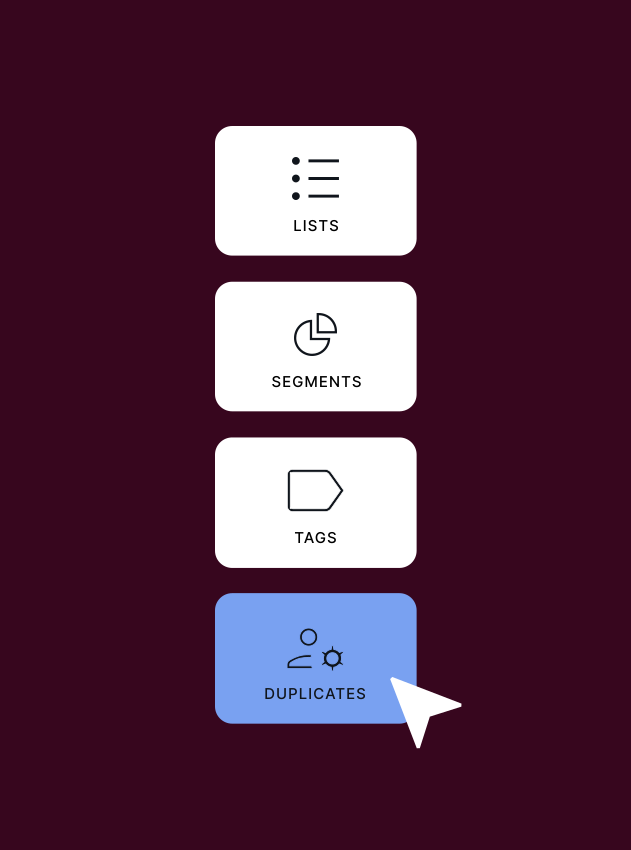
Effortlessly curate, deduplicate and manage guest lists with tools designed for precision and collaboration. Audience takes the chaos and guess work out of guest list creation, making the process fast, efficient and stress-free.
LIVE MODE
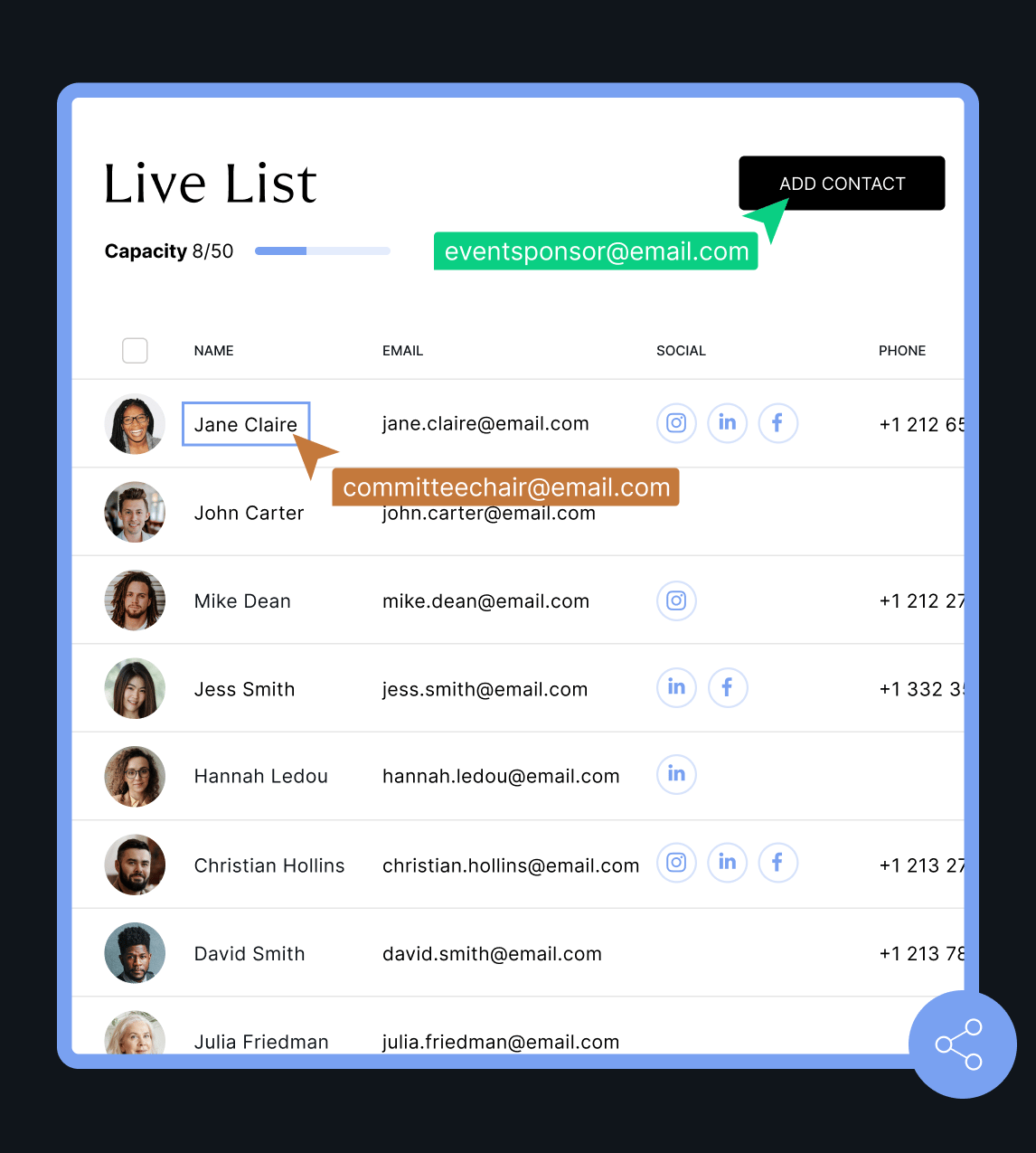
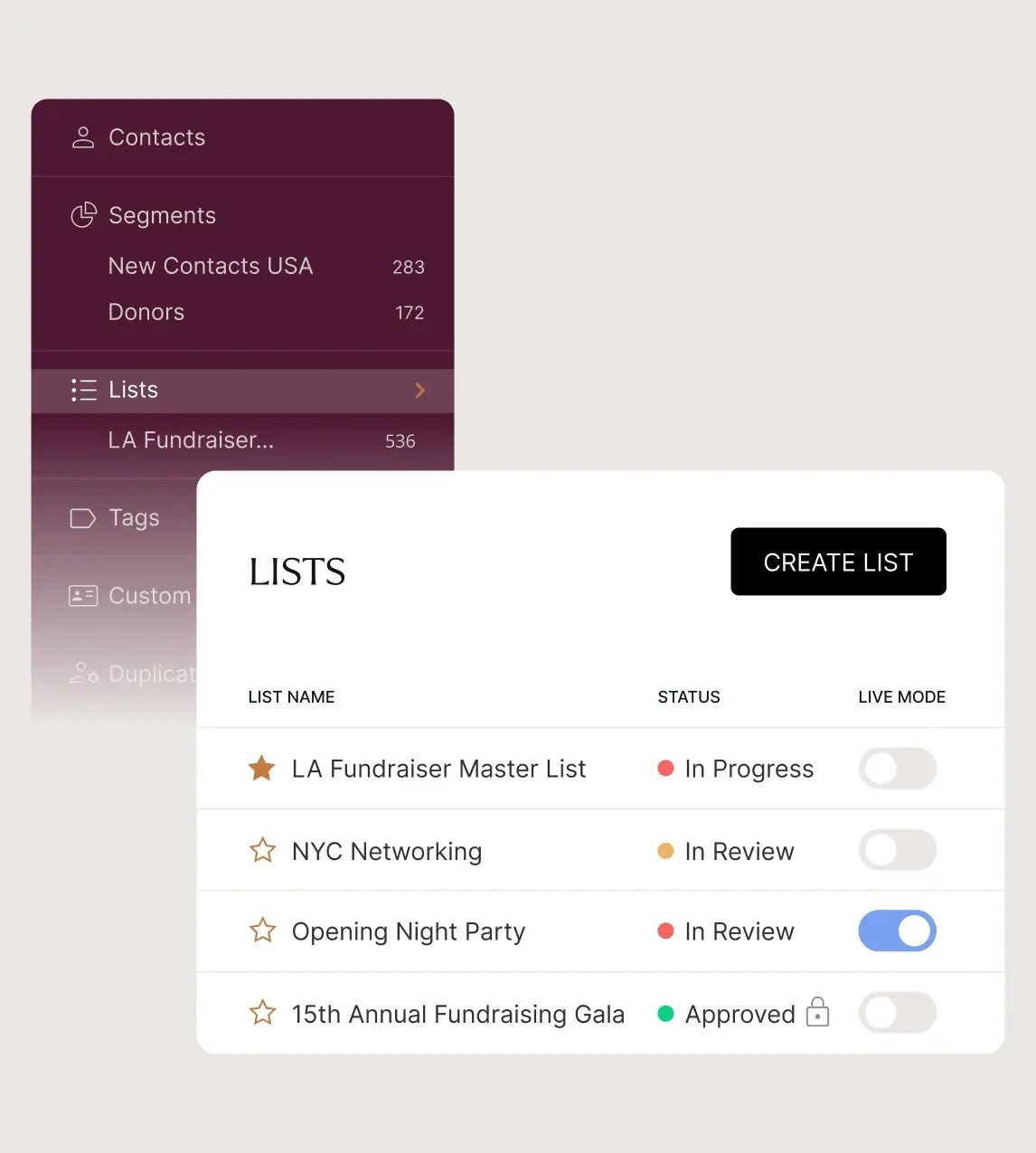
Finally, a collaborative guest list builder designed for event professionals. With Live Mode, easily gather input from external sources while maintaining full control over access, deadlines, and capacities. It’s time to redefine guest list management.
-
 No more chasing stakeholders for the event-critical details you need. In Live Mode the simplified, user-friendly interface allows collaborators to seamlessly add, remove, edit and search for contacts, and enhance profiles with new data, fields and tags.
 -
A live list is a temporary, collaborative copy with a set capacity, so suggestions from contributors won’t overwrite or compromise your master Audience data: full control is always in your hands.
-
Easily oversee external users and monitor activity. Close live lists and revoke access at any time to maintain security and enforce deadlines.
Consolidate your list using Audience’s intuitive tools when turning off Live Mode. Identify and resolve duplicate guests and data conflicts one by one in a centralized, streamlined process.

The result? Accurate, aggregated, and perfectly formatted guest information, empowering event organizers with the most impactful guest lists for their events.
LIST CREATION
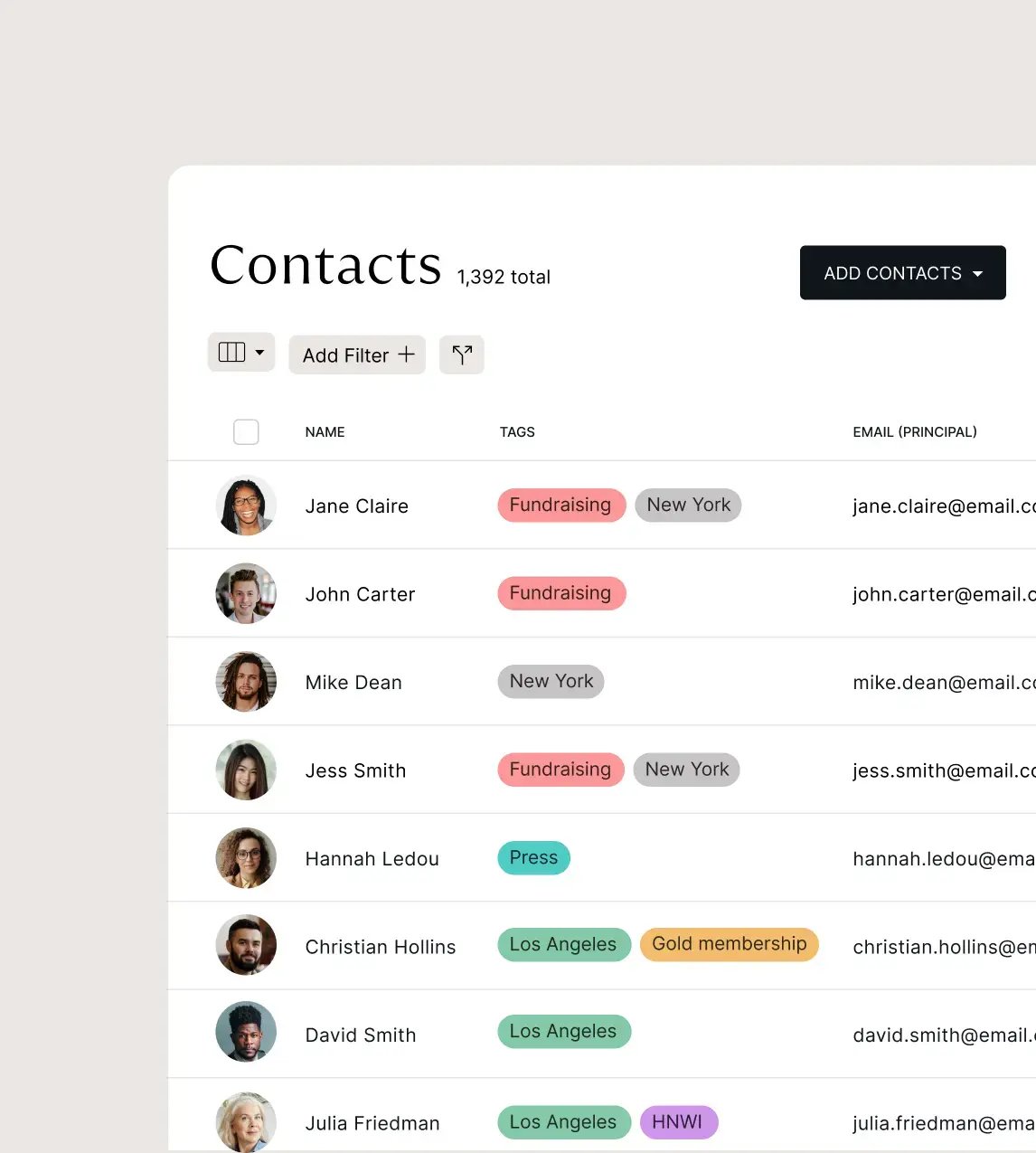
Audience makes guest list collation fast and flexible. Drag and drop contacts using the list builder functionality, create guest lists from saved segments, or merge multiple lists into one. Lists are static, for complete control over who gets added and when.
.webp)
Keep track of your progress with customizable list statuses: In Progress, In Review, and Approved. Approved lists are locked to ensure no further changes can be made. Save your five most important lists as Favorites for quick access via the main menu.
Approved lists can be imported into zkipster Events for the next stages of the guest journey: online invites, RSVPs, event check-in, seating and much more.
