


Skip to content
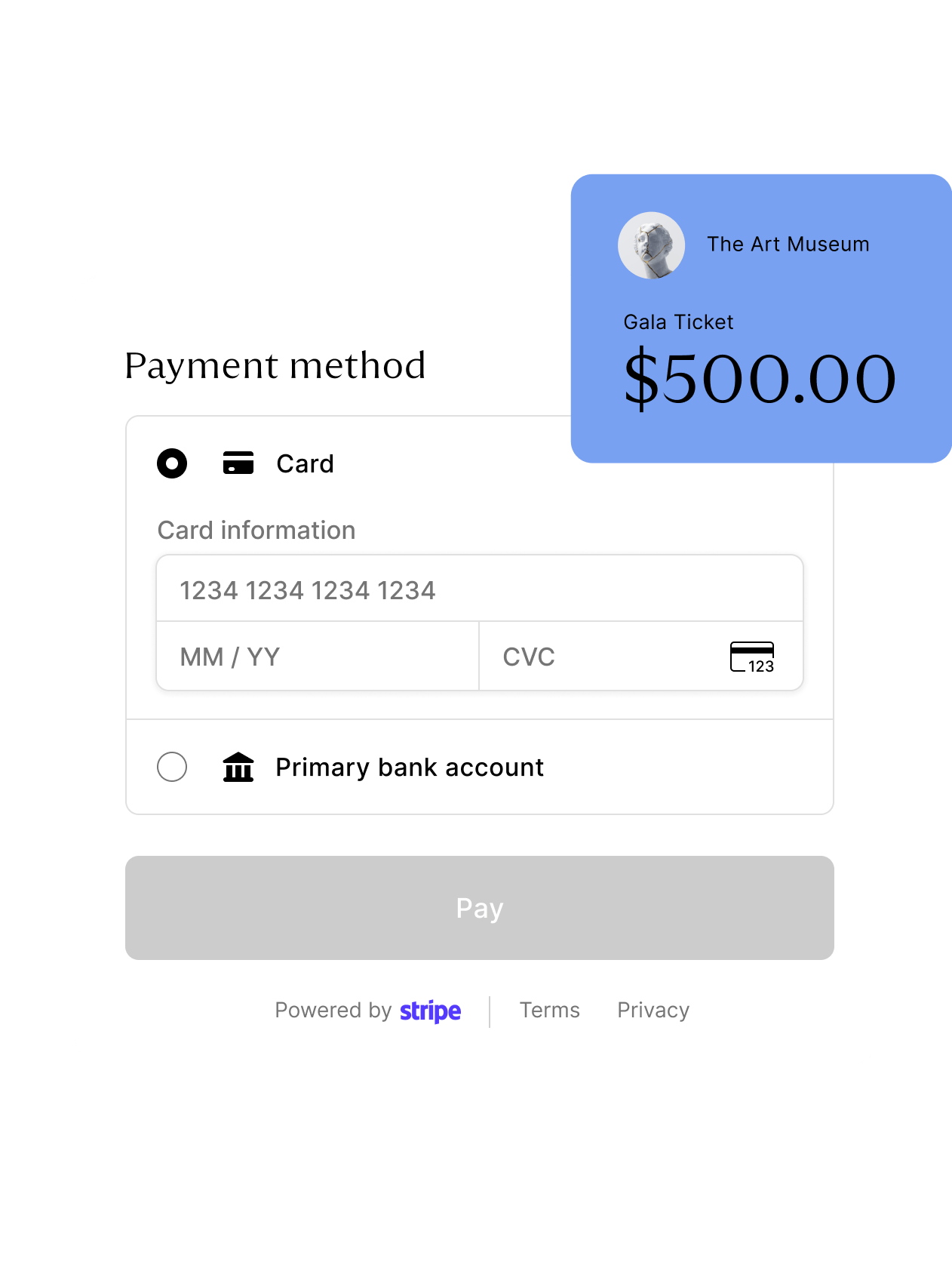
zkipster Payments checkout screen powered by Stripe, with card and bank account options, overlaid with an Art Museum gala ticket for $500

EVENT PAYMENTS, CONNECTED

zkipster Payments

Visa_logo Apple_Pay_logo Mastercard_logo Google_Pay_logo American_Express_logo

MONETIZE YOUR EVENTS WITH ZKIPSTER


Two secure routes to collect payments, built into the platform you already use to manage your guests and events.


zkipster Payments is an event payment platform that gives you flexibility, transparency, and reach.

Envelope icon

Advance & in-person

Take payments before your event with links in emails and RSVP forms, and in person on event day straight from your phone – no card reader or POS required.

Guest icon

Linked to guests

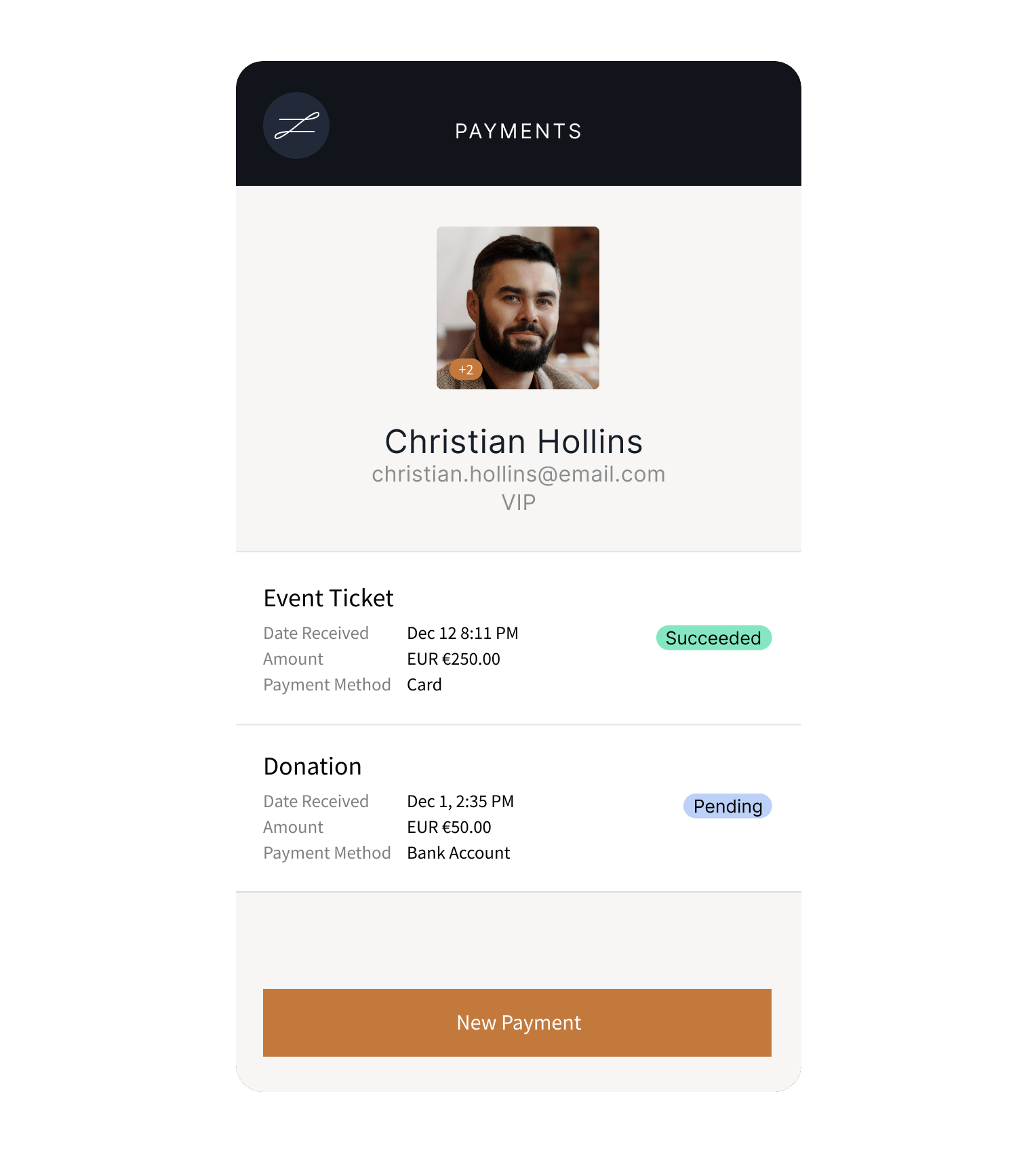
Every payment is linked to an individual guest profile, so you can see exactly who paid for what and understand the ROI of every event.

World icon

Transparent fees

Access Payments at all plan levels – no custom contract or long-term commitment required – with a single, transparent fee per transaction, and no hidden costs. (Stripe charges its own processing fees separately.)

POWERED BY STRIPE

zkipster Payments runs on Stripe, the financial infrastructure trusted by millions of businesses worldwide. A direct integration with Stripe Connect provides versatile financial tools, bank-grade security and a fast, frictionless checkout for your guests.
Accept cards, Apple Pay, Google Pay, Alipay, WeChat Pay, bank debits (good for larger payments), and more. Choose which payment methods to enable on your account so your guests can pay the way they prefer.
Payments are available to businesses in more than 40 countries, with support for multiple currencies. Every payment runs through a secure, PCI-compliant, Stripe-hosted checkout with encryption and AI-powered fraud protection built in.
Extend your event experience to include the payment experience: customize the Stripe checkout, whitelabel the domain, and send receipts that carry your own branding.

Accept payments before your event

No more card numbers read out over the phone, separate order forms, chasing checks or manual reconciliation. Now you can add secure, seamless payment links to your event emails and online forms instead, so guests can RSVP and pay in the same platform. 


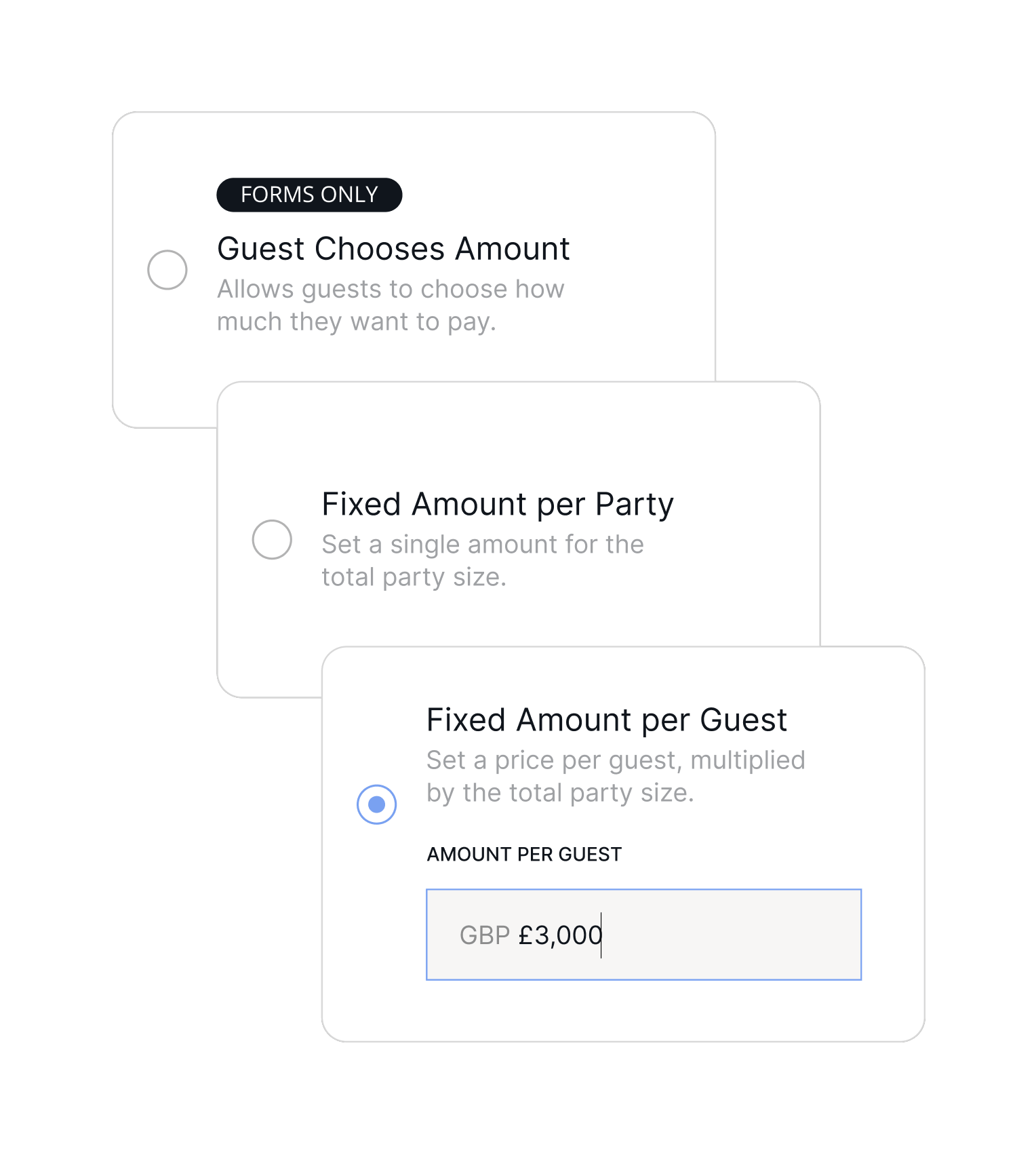
Set a fixed price per guest or per party, or invite guests, donors and sponsors to choose their own amount for donations, pledges and event underwriting. You can offer multiple payment options in a single email or form, and create promotional codes for guests to apply at checkout. Maximize fundraising opportunities by including links in post-event emails, too.

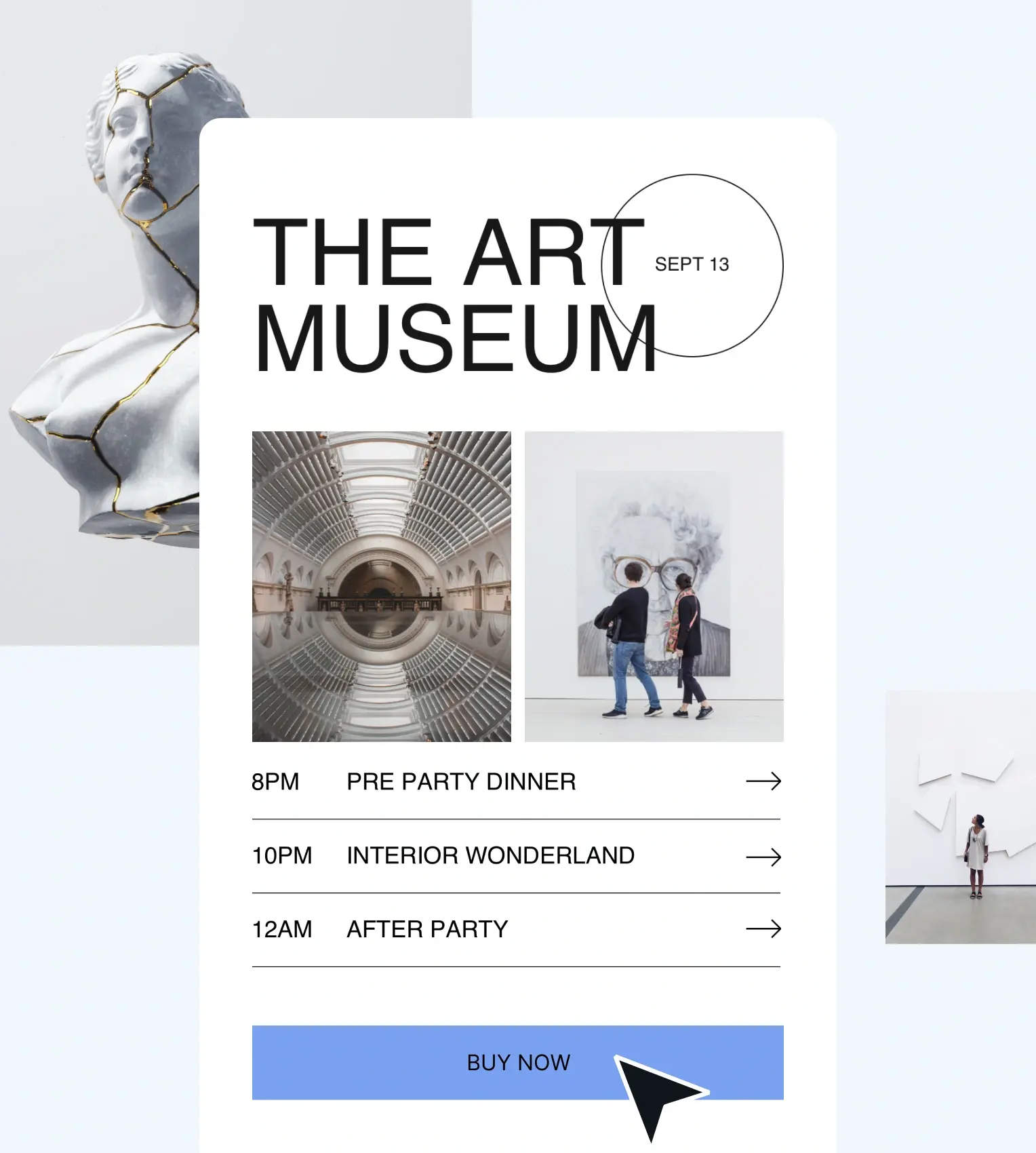
The Art Museum gala event form landing page with 'Buy Now' button
Charge a fixed amount per guest or per party, from general admission to four-, five- and six-figure payments for major donors and exclusive tables. Segment your guests to offer early-bird rates, tiered pricing, VIP packages and more across different lists, and offer discounts with promotional codes.
Let guests choose their own amount, with an optional suggested figure. Ideal for nonprofits gathering discretionary donations, including from supporters who can't attend but still want to give. It’s also ideal for covering event costs via sponsorships and underwriting.

Collect advance payment for parking, food and beverage packages, upgrades and other add-ons alongside event admission.

Your events. Your revenue.

See how zkipster's event payment solution fits your event program. Talk to our team about collecting advance and in-person payments – all linked to your guests, all in one platform.
GET IN TOUCH

Accept payments on event day

No more paper forms for guests to fill out, invoicing after the event or separate card readers and POS: now you can take payments on event day, right from the zkipster mobile app.

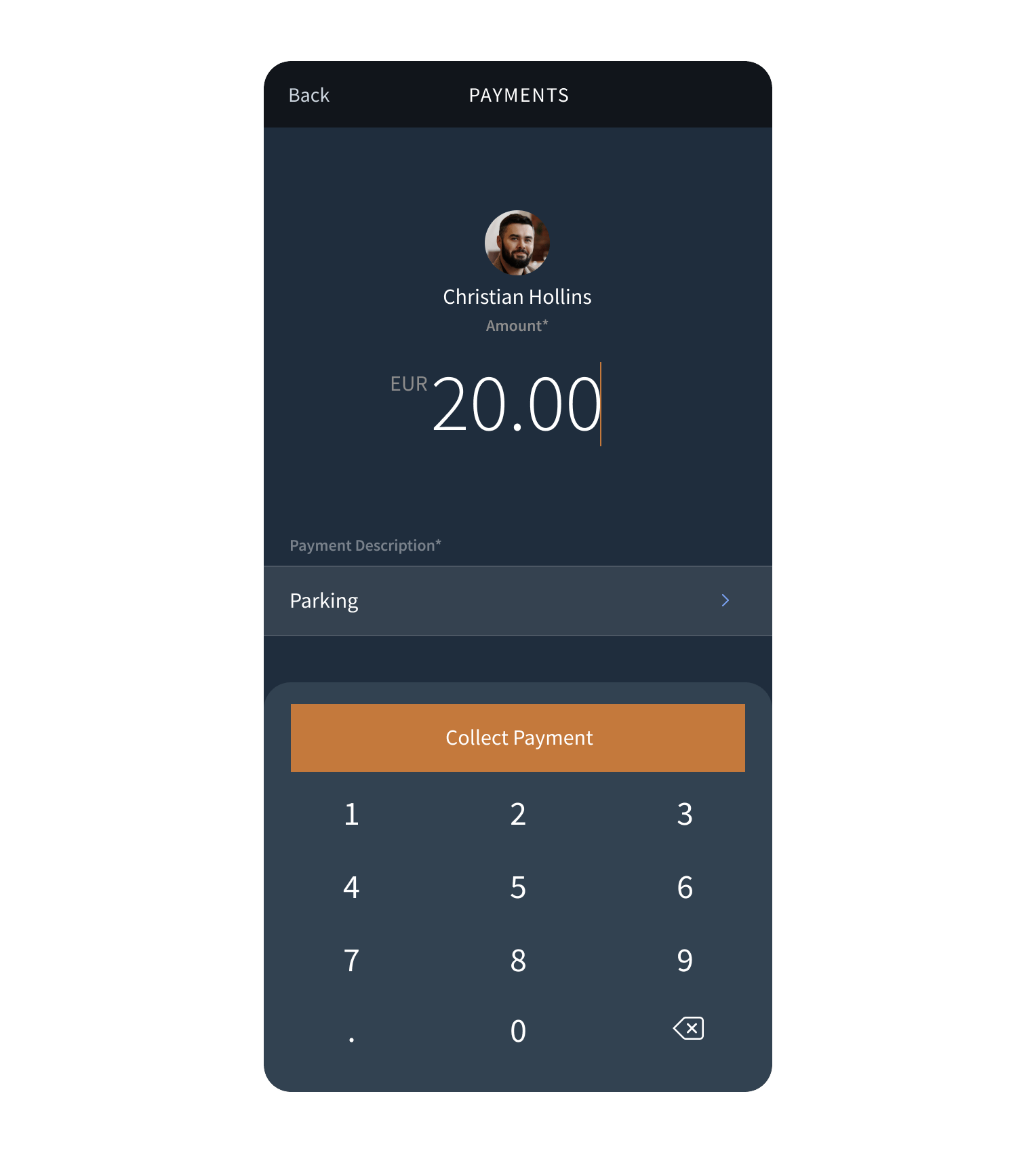
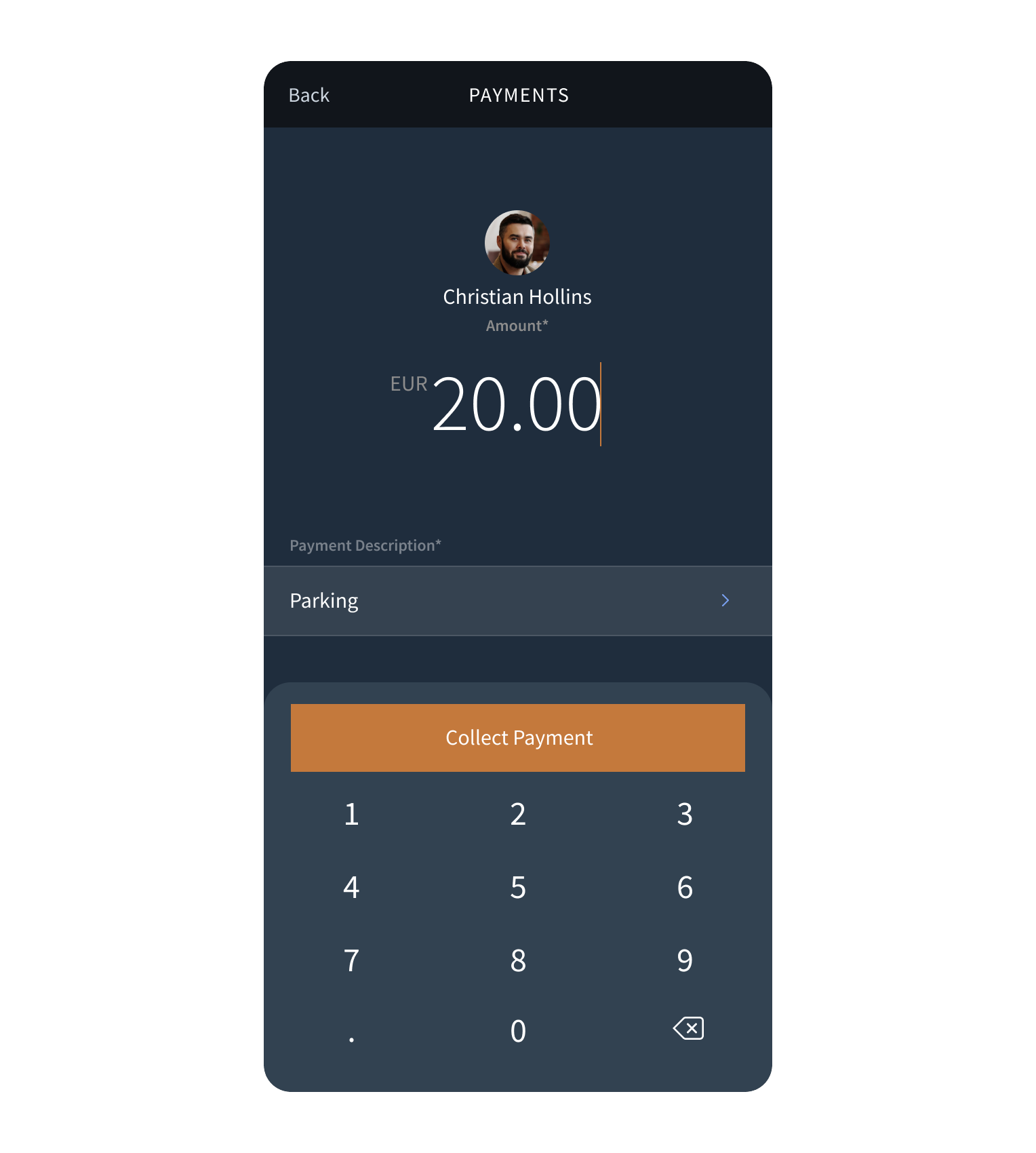
Open any guest's profile, create a payment, and it's ready to collect – and logged the moment it's complete. Guests can pay securely with a contactless card, Apple Pay, Google Pay or another digital wallet: all you need is a supported mobile device.

zkipster Payments mobile payments screen collecting a €20.00 parking payment from guest Christian Hollins, with a numeric keypad and Collect Payment button
Instantly collect donations, sell raffle tickets, secure pledges and take payment for auction lots. Essential for every kind of fundraising event, from galas to golf days.
Guests who RSVP'd yes but didn't pay in advance, last-minute additions and same-day registrations can all be added to the guest list, charged and checked-in within moments.

Upsell during your event – VIP access, food and beverage, merch, coat check, tips and other extras – with every payment captured in the guest's profile.

Tap to Pay on iPhone

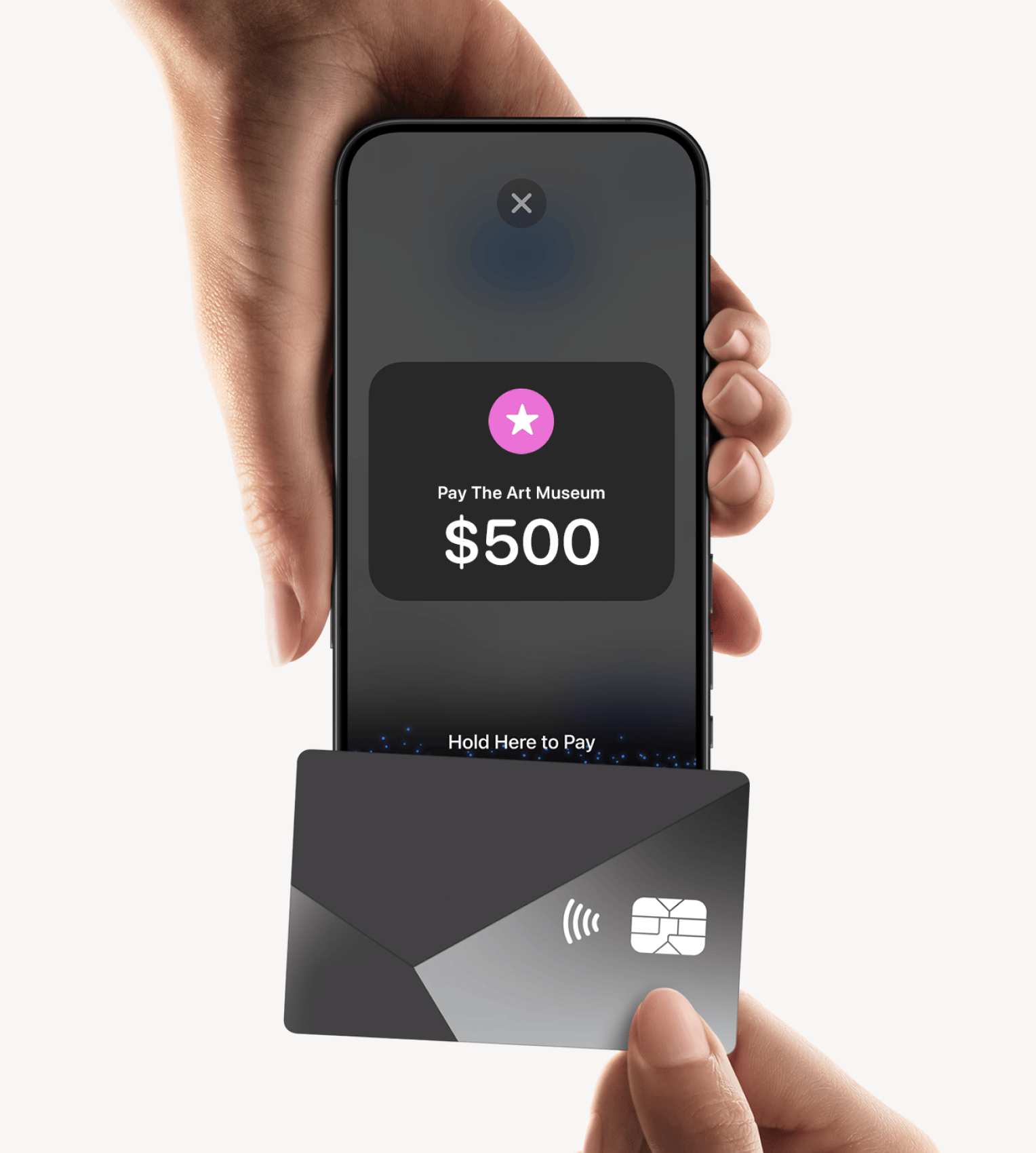
With Tap to Pay on iPhone and the zkipster app, you can accept all types of in-person, contactless payments right on your iPhone—from physical debit and credit cards to Apple Pay and other digital wallets—no extra terminals or hardware needed. It's easy, secure, and private.


Terms apply.

A hand holding a contactless card up to an iPhone displaying a Tap to Pay prompt to pay The Art Museum $500 in zkipster Payments

Tap to Pay on Android

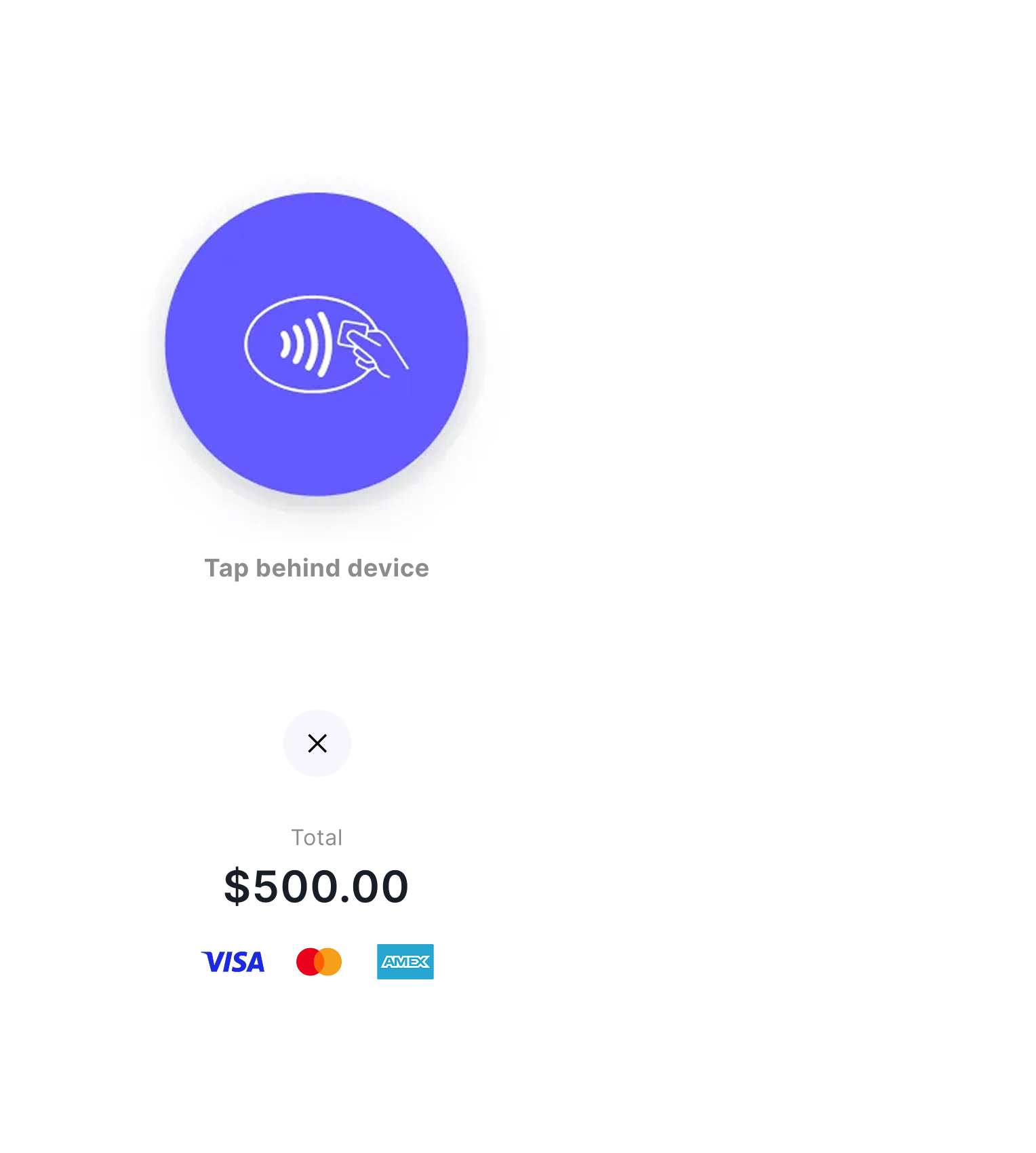
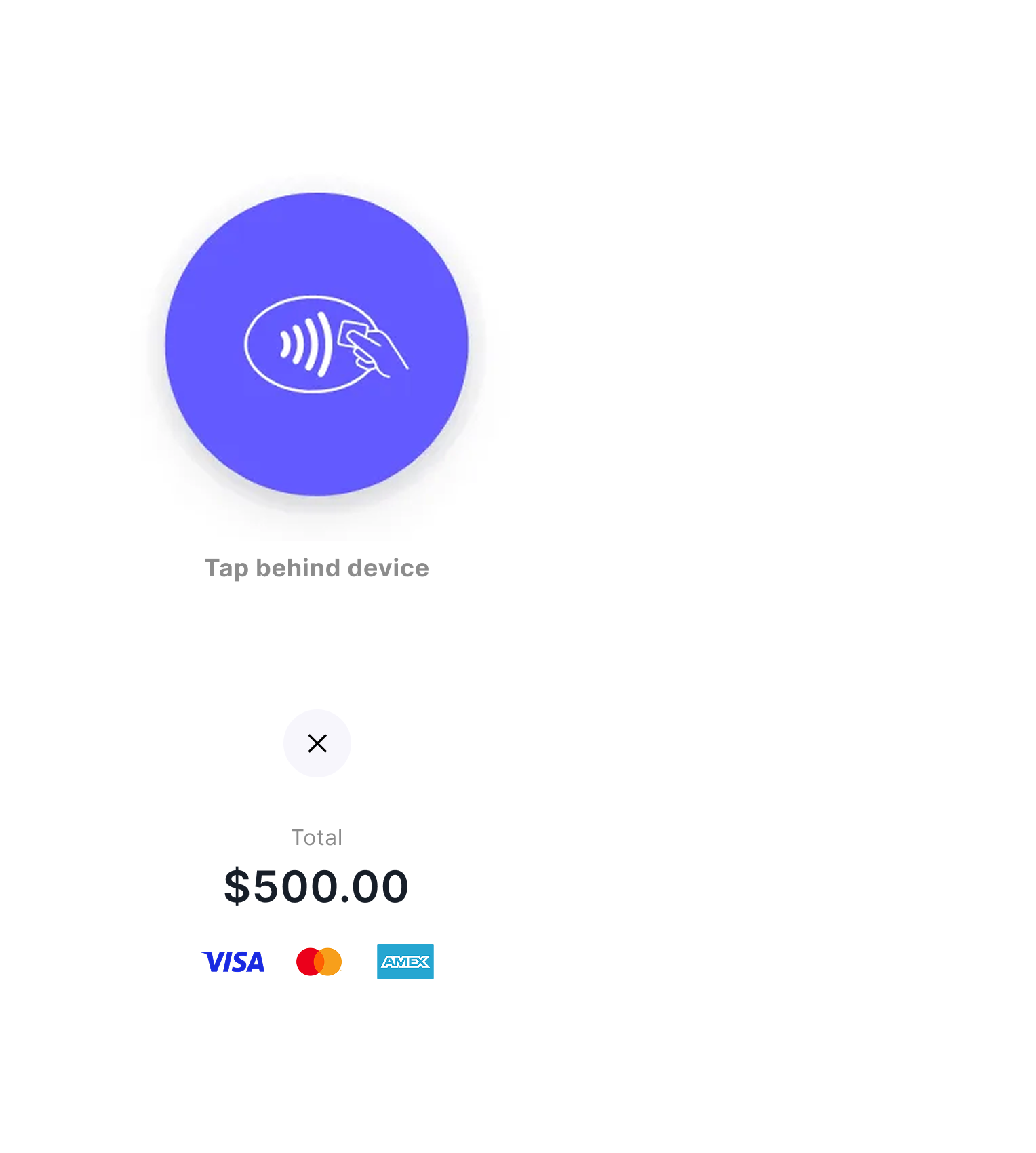
Using the zkipster Android app to run check-in and manage guests and seating on event day? You can use zkipster Payments and Tap to Pay on Android to accept contactless payments on a supported Android device – from physical cards to Google Pay, Apple Pay and other digital wallets – with no extra hardware.

Tap to Pay on Android contactless payment screen with a 'Tap behind device' icon, showing a $500.00 total and accepted card networks Visa, Mastercard, and Amex

All the event communications you need

Payments are embedded in the zkipster Communications Suite. Build custom campaigns across email, forms, SMS, WhatsApp and Wallet Pass and accept advance payments from your guests, all in the zkipster platform.
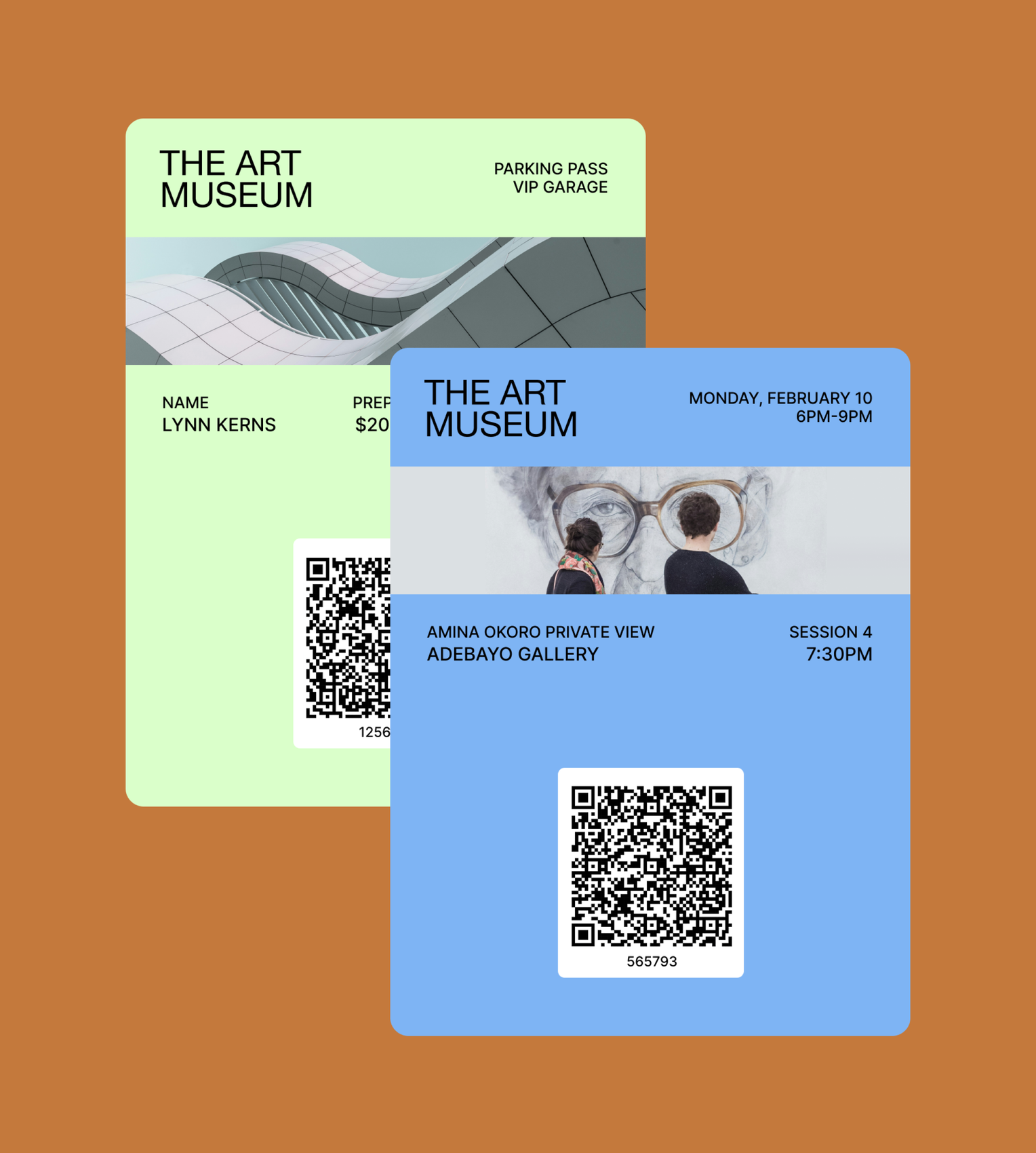
Email Communications Event Management Forms SMS WhatsApp Communications Two Art Museum wallet pass examples with QR codes for event entry and parking

Payments FAQs

An event payment processing system lets you collect, track, refund and reconcile payments from an event - from table sales, registration fees and add-ons to donations and on-site purchases - across online and in-person channels.


With zkipster Payments every payment is linked to an individual guest profile, so you can see exactly who paid for what and link revenue directly to your event. As an event payment system built into zkipster Events, payments sit alongside your guest management, communications, seating, check-in, and more.

We partner with Stripe to process payments securely. Once an account administrator connects an existing Stripe account or creates a new one, and completes the onboarding, you can accept payments in two ways. Add payment links to your event emails and RSVP forms to take payments in advance, and use Tap to Pay in the zkipster app to collect in person on event day.

Payments are available on all zkipster Events plans, including monthly plans - no custom enterprise contract is required. Advance payments through Communications (event emails and RSVP forms) are available on Professional and Enterprise plans only, while in-person payments through the mobile app are available on every plan, including Essentials. zkipster charges a single platform fee per transaction. Stripe charges its own separate processing fees.

Yes, you'll need a Stripe account, but you don't have to set one up separately: you can connect an existing account or create one during the zkipster onboarding. Stripe reviews and approves each account. Each zkipster client has its own dedicated Stripe connected account, so if you already use Stripe, your existing account and activity stay completely separate; only your zkipster transactions appear in the connected account.

With our Stripe Connect integration you can choose which of more than 40 payment methods to enable, including credit and debit cards, Apple Pay, Google Pay, Alipay, WeChat Pay and regional bank debits. You can charge a fixed amount for tables and registration, add extras like parking or event upgrades, or invite open-ended donations and pledges.

Yes. You can accept advance payments in multiple currencies with event emails and RSVP forms, so you can charge guests in their local currency. For in-person payments on event day, the payment currency must match the physical location of your event, payment device and Stripe account.

Yes, it's one of the biggest advantages of zkipster Payments. Collect advance payments through links in your emails and RSVP forms: ideal for selling tables, registration, early donations and sponsorships. Then, on event day, take payments in person straight from the zkipster app on a supported iPhone or Android device: perfect for walk-ins, upgrades and extras, plus donations, raffle tickets and auction lots at fundraising events.

Just a supported mobile device. In-person payments are taken on a supported iPhone (iPhone XS or later, running the latest version of iOS for best performance) or Android device (many Android phones released from 2022 onwards, plus a small number of Samsung tablets). No card reader or POS is necessary. Your guests can pay with any contactless card, Apple Pay, Google Pay or another digital wallet. Learn more about accepting contactless payments on a compatible iPhone or Android device with Stripe.

Yes, promotional codes can be created and managed in Stripe, and zkipster Payments checkout pages include a field where guests can enter a promotion code. You can choose percentage or fixed amount discounts and set redemption limits and expiry dates. Use promotional codes for early-bird pricing, member or partner discounts and other targeted campaigns.

Yes. Collect advance donations, underwriting and pledges by adding a payment link to an email or RSVP form and letting guests and donors choose their own amount. You can also include payment links in post-event emails to reach guests who didn't attend, or who haven't yet donated.


On the day, you can take donations, sell raffle tickets and collect payments for auction lots in person through the zkipster mobile app. It's perfectly suited to charity galas, fundraisers and every other kind of nonprofit event.

Yes. You can issue a refund directly within zkipster, straight from the corresponding payment in the guest's profile, with no need to log in to Stripe separately. The refund is processed through Stripe and the payment status updates in the guest's profile in zkipster.

Receipts are sent automatically by Stripe to the guest's registered email address. They carry your branding and make no reference to zkipster.

Yes. Payments are processed by Stripe, which is certified to the highest level of payment security (PCI Service Provider Level 1), and every transaction runs through a secure, Stripe-hosted checkout.


For in-person payments, Tap to Pay uses the built-in security and privacy features of the device, and card numbers aren't stored on your phone or in zkipster.