Sometimes you don't have a visual designer there, but your event needs something designed. Save your event budget by using these useful free online tools and resources to cover the basics and still look professional.
Maybe you're on a tight deadline, or a last-minute new asset becomes necessary. Or maybe you want to experiment with brand options for your event without buying premium tools. Whatever the reason, the last thing that's productive is then spending your time and energy finding the tools you even want to use in the first place. Here's a quick-start list to help you round up fonts, colors, images, handy tools, and more.
Online image editing tools
The go-tos: If you want many of the key Photoshop tools right in your browser for free, try Pixlr, which offers a simple and accessible entry point to many of the tools you might need for creating event materials. Or if you're more familiar with design tools, download GIMP, one of the most popular free Photoshop alternatives. Just want to create some simple image + text assets for social media, but not do it in the platform directly? Pablo is a free tool that lets you quickly produce materials just like that.
Useful for: Creating branded event materials, custom social media posts, ads, retouching.
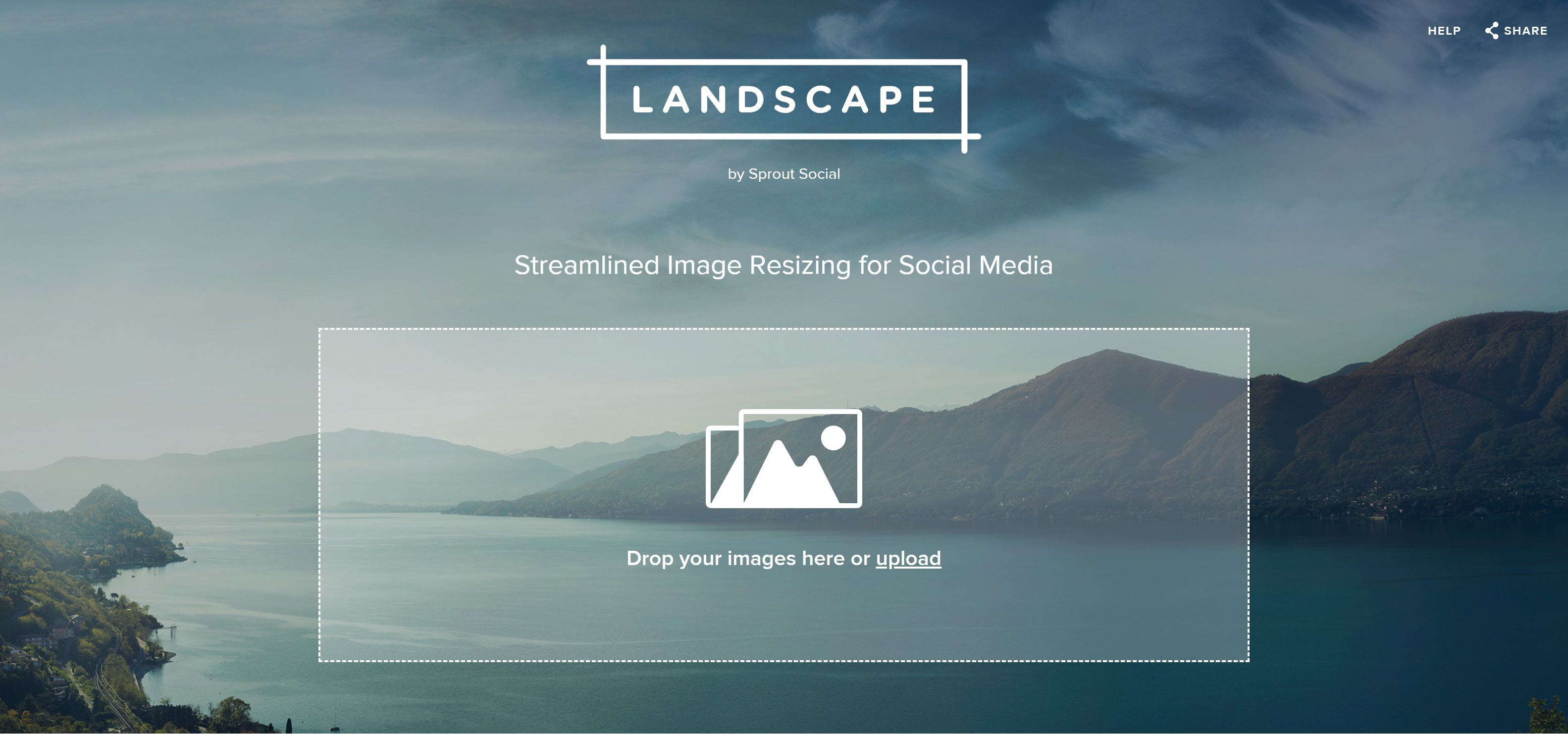
Starter tip: If you just need a quick tool to resize an image for social media, Landscape by Sprout has you covered.
Color palettes
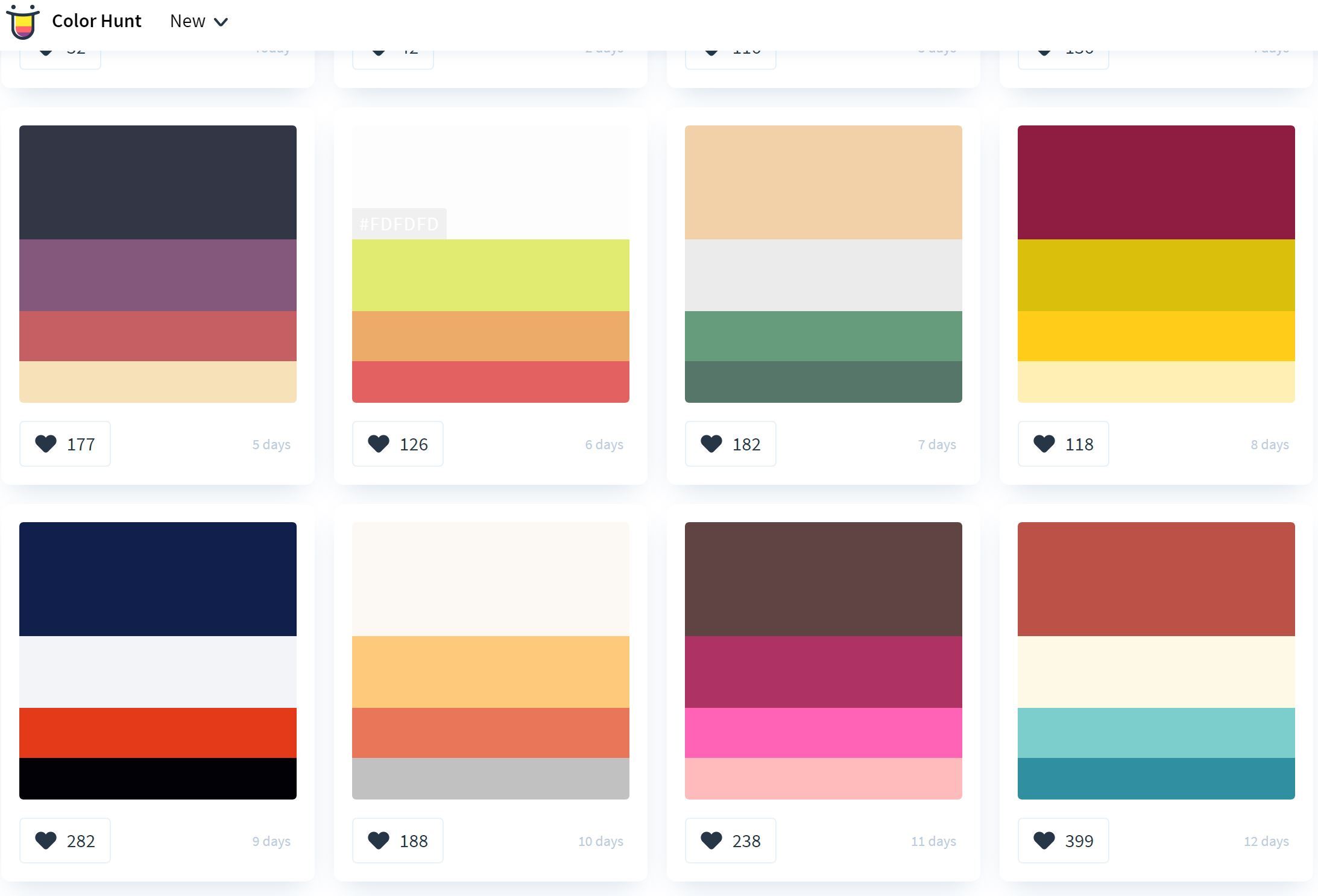
The go-tos: If you're not too keen on building your own combo from scratch, Color Hunt is a gallery of free palettes that you can grab and use right away. But if you do want to experiment and see how different colors work together, Adobe's Color Wheel is a super easy visual way to create your own color scheme that works together. Sometimes you want colors to match a photo or moodboard. Pictaculous is the smart solution, that helps you create a color scheme based on a photo you upload. Easy to match decor and venue decorations with other materials!
Useful for: Event branding, venue and event space design, coordinating accents, matching.
Starter tip: If you have a brand guide or style guide available to follow, consult that first! You don't need to reinvent the wheel, and it's often more productive to make small modifications as needed rather than start from scratch. Not sure how to use those codes starting with a # that identify a color? Those are called HEX codes, and you can think of it like a color's nametag. Just copy the whole code, usually a # followed by 6 letters or numbers, and paste it into your color picker in Pixlr or other tool.
Iconography
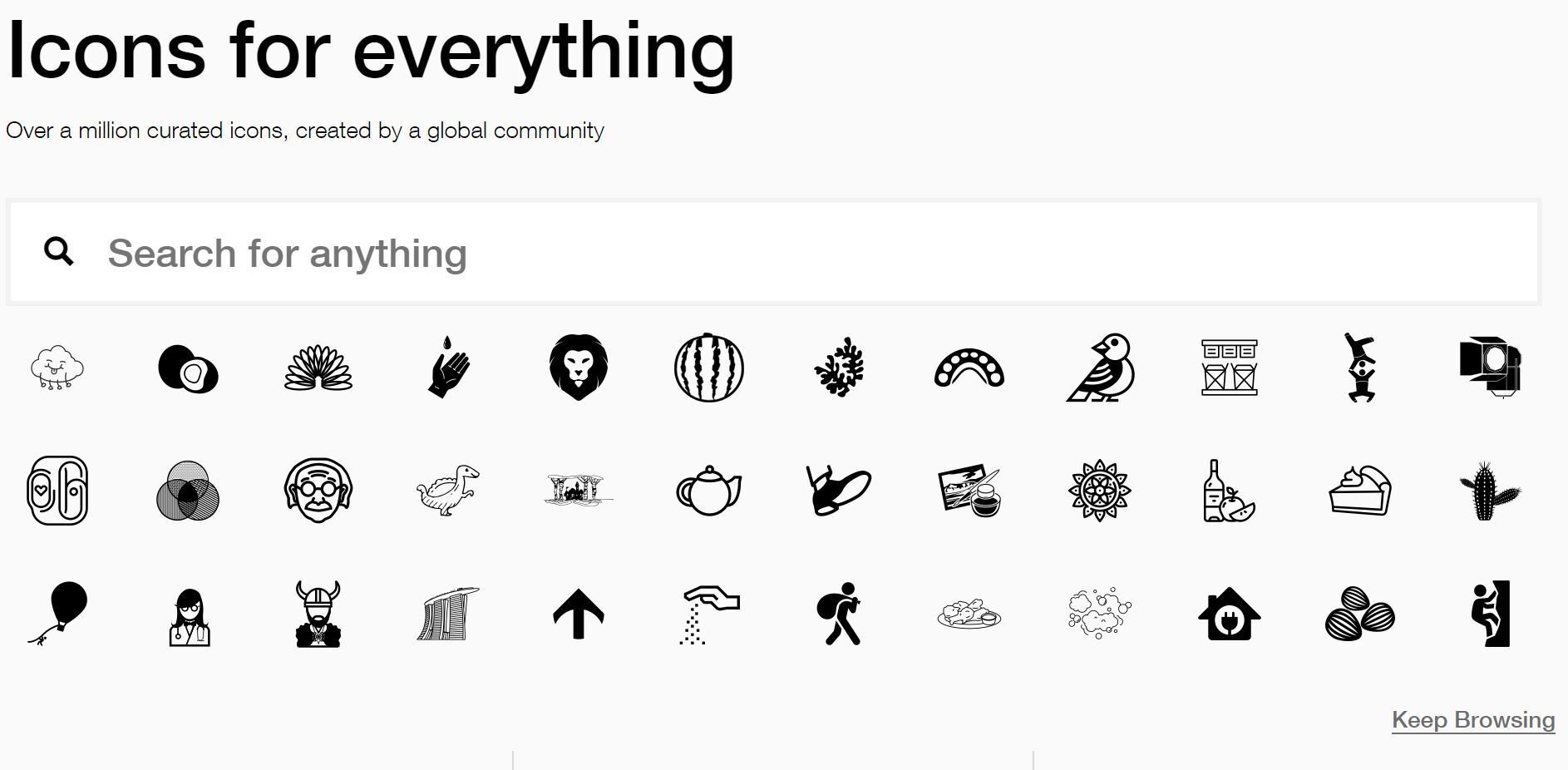
The go-tos: Some of the popular choices are Feather Icons, The Noun Project (easy to search using words), and Icon Store. All are easy to use, so take a look at the different styles and see what appeals to you.
Useful for: Invitations, RSVP web pages, and little details.
Starter tip: If you've ever wanted to venture outside of using emoji in your visual event materials, premade icons can be a great way to add professional accents without investing a lot into custom design. If you do use icons, try not to go overboard, and match the general style of different icons - simple should go with simple, thick edges with other thick edges, and so on.
Related: 9 event planning resources to bookmark today
Fonts & typography
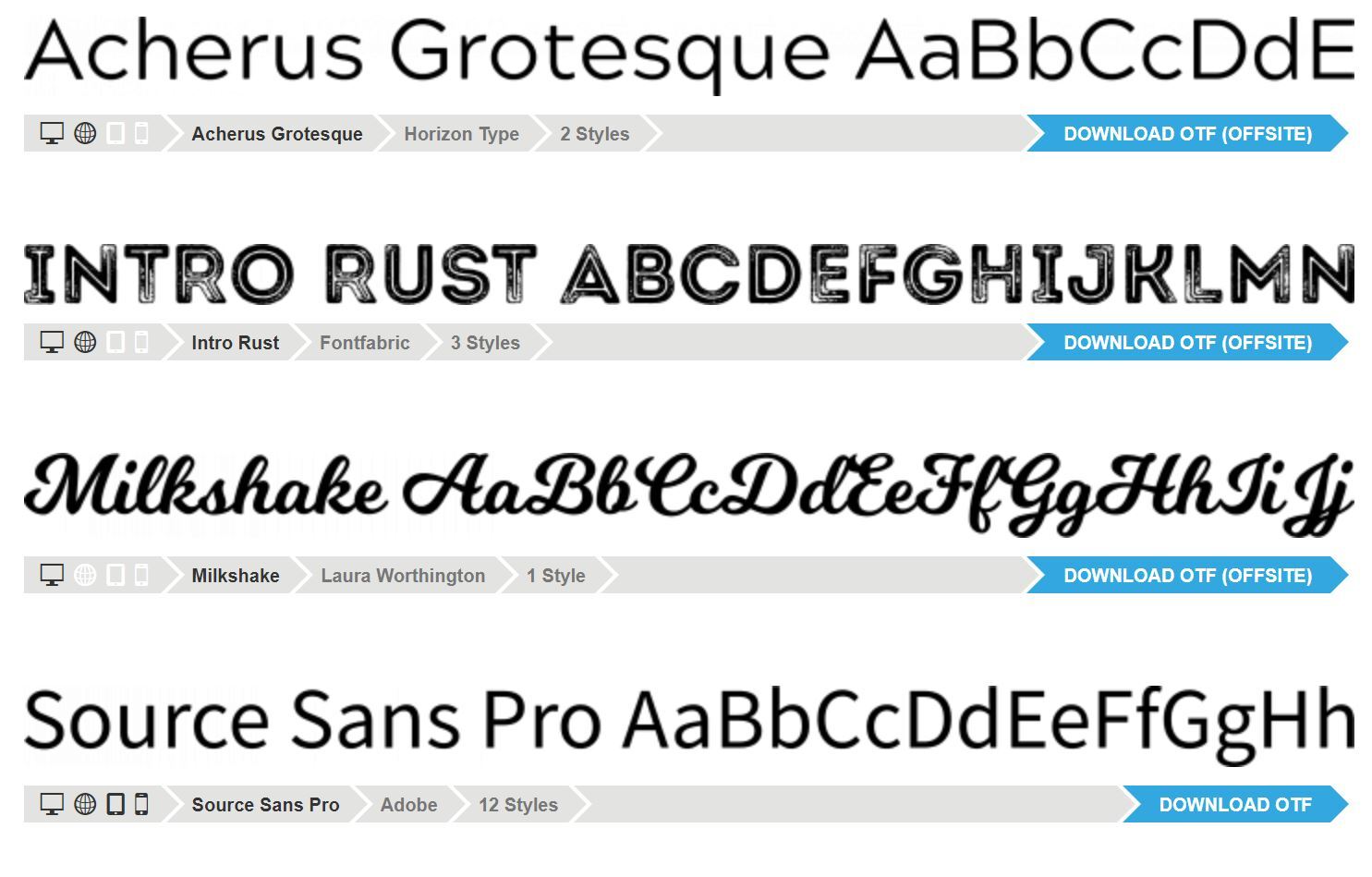
The go-tos: Your first stop for anything digital should be Google Fonts, which offers free, tried-and-true, and professional-grade fonts for your use. Many professional websites and brand materials rely on just these, and they're widely supported by different devices and tools, so you should have an easy time using them. If you want to branch out, try Font Squirrel to discover others. Finding fonts that look good together can be one of the trickiest parts, which is why this free font pairing generator can be a life-saver when you're on a deadline for something that looks good fast.
Useful for: Save-the-dates, RSVPs, brochures, posters, namecards, slideshows and presentations.
Starter tip: Brush up on the typography essentials. And if your event is part of a brand, check what the official options are first.
Pictures & images
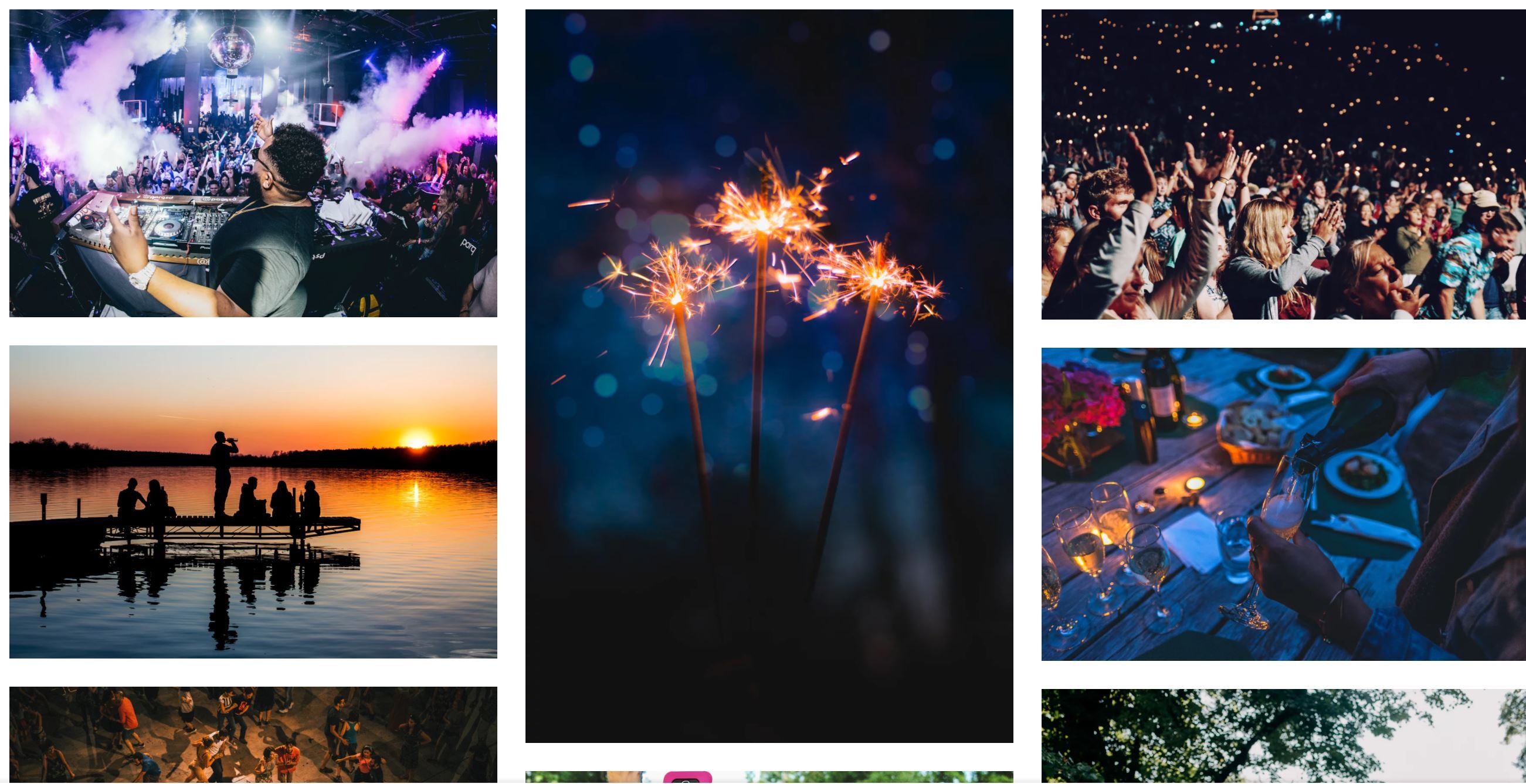
The go-to: We've covered this in detail in the past, so head over to our guide to the best free stock photos and dig in.
Useful for: Invitations, social media, brochures, posters.
Starter tip: The best resources are often from previous events or other internal resources, but sometimes high-quality stock can add a touch of character if you feel limited by your available brand assets.Ever needed video footage without being able to film? Coverr is an innovative tool that provides free stock videos that can be used in a pinch for event web pages, social media animations, TV displays, and more.
Bonus: Event materials templates
The go-to: Canva is a great online tool with relatively generous free options that can help you create (or even just brainstorm) event flyers, banners, seating name cards, event stationery, and more.While working with professional designers is the way to go for consistently professional results, these tools should equip you with everything you need to quickly support your event with last-minute and extra designs. Good luck!