
Collecting online payments doesn’t just make life easier for your guests, it makes life easier for you.
Allowing guests to make online payments undoubtedly improves the guest experience. With a simple click of a button, they can pay their entry fee, buy a table, or make a generous fundraiser donation.
The result is satisfied guests, and faster, streamlined payment processing for your event planning team.
There are many payment platforms available, but which one is best for your event? Each platform offers different features, capabilities, and levels of security. If you’re ready to start accepting digital payments through your event management platform, here’s what to look for in an event payment solution. We also explore the most efficient ways to collect event payments online.
What to look for in an event payment solution
Event planners searching for event management software with a payment platform have many options to choose from. Some event management platforms don’t offer online payment collections at all. Some offer limited payment options, or multiple options that are best suited to enterprise clients. Others offer flexible online payment solutions that work well for all types of events.
When researching and comparing online event payment solutions, consider:
- How easy it will be to set up
- How simple it will be to use
- How quickly you can start using it
- If it integrates with your other tools
- If it provides the level of security you need
Ease of setup
Look for a solution that’s easy to set up, so you can start using it quickly. Make sure it allows you to collect the types of payment methods you want to accept, such as credit cards and debit cards, digital wallets, and bank debits for larger amounts.
Ease of use
The platform should be easy for your guests, clients, hosts, and event planning team to use. Choose a solution that makes payments hassle-free for guests, and simplifies monitoring and tracking payments for hosts and event organizers.
It should also cover your specific use cases, whether that’s accepting advance payments for ticket sales, receiving in-person payments for donations or auction prizes at fundraising events, or taking payments via bank transfer for underwriting or large donations.
Speed
Choose a platform that allows you to set up online payment collections quickly and effortlessly. Adding payment options to digital communications, monitoring the payments you collect, and issuing refunds (when necessary) should be quick and simple, not complicated tasks that involve multiple systems and overwhelm your team.
zkipster’s integrated online payment solution, which uses Stripe’s payment infrastructure, is designed for speed and ease of use.
Integrations
It’s best to choose a secure payment solution that integrates with or is embedded into the system by a trusted payment collection platform like Stripe. Make sure the integration offers secure data handling for payments as well as sales tax, VAT, or any other tax requirements in the country you do business in.
Read also: What integrations are possible in zkipster?
Security
Security and privacy are paramount, so choose an online payment solution that prioritizes security at every step. zkipster is GDPR compliant and ISO 27001 certified, and zkipster Payments provides a secure, PCI-compliant, Stripe-hosted checkout with built-in encryption and AI-powered fraud protection.
Learn more about how zkipster protects your data.
How to collect event payments online
There are several ways to collect event payments online. Depending on the location, type of event, and event host, you might want to collect payments before the event, during the event, or both. Here’s how zkipster makes that possible.
Collecting payments before an event
zkipster simplifies event payment processing before an event by letting users embed payment buttons in their RSVP and invitation communications. Users can set names, amounts and descriptions for the type of payment in the invitation email or RSVP form.
Depending on the event, you can collect different types of payments, including:
- Event registration and entry fees
- Individual tickets
- Tables
- Donations
- Raffle tickets
- Parking
- Food and beverage
zkipster users can also set different buttons for different pricing tiers, such as:
- Ticket only
- Ticket and parking
- Entry with a donation
- Entry without a donation
- Tiered entry: general, VIP, gold, silver, etc.
With zkipster, event planners also have the ability to create multiple campaigns and charge different guest segments different amounts:
- Early bird rates for returning guests, or guests who register early
- VIP packages
- Options for key supporters to purchase an entire table
Collecting payments during an event
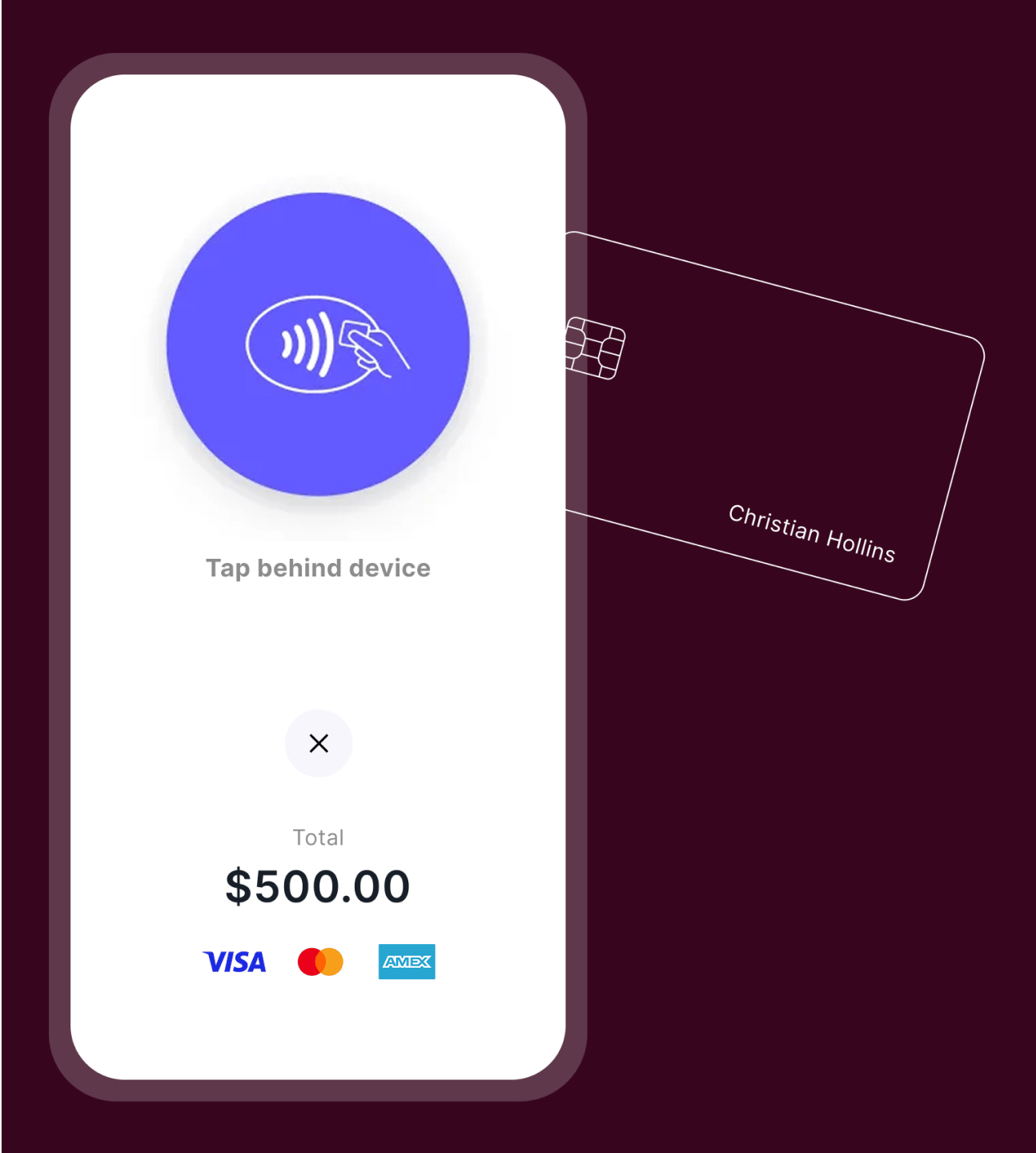
With the zkipster mobile app, selling tickets at check-in and accepting payments during an event takes seconds: simply open the guest's profile and create a payment. All you need is a supported mobile device, and guests can pay securely with a contactless card, Apple Pay, Google Pay or another digital wallet.
Guests can pay in person for:
- Ticket sales for walk-in guests
- VIP package upsells
- Food and beverage packages
- Coat check and gratuities
Payment options for nonprofit events and fundraisers
For non-profit clients and fundraisers, Tap to Pay is an ideal way to instantly collect money for charitable donations, pledges, raffle tickets, and auction items, with no limits on the number of payments you can accept from an individual guest. Simply set up suitable Payment Descriptions in the zkipster app and select the relevant one when creating a new payment.
Can all zkipster users access the payment features?
zkipster Professional and Enterprise users can access Payments through zkipster Communications and the zkipster mobile app. Event planners with an Essentials plan can take in-person payments with the zkipster mobile app.
Collecting online event payments: FAQs
What is the best payment gateway for collecting event payments online?
Stripe is considered a best-in-class platform for collecting online event payments, offering customizable payment solutions and secure checkout experiences. Top event management platforms like zkipster partner with Stripe as their payment gateway.
How do you track payments and issue refunds through zkipster?
Individual payments are visible under the guest profiles in each event in zkipster. Every payment is attributed to the guest who made it, making it easy to monitor payment activity and issue refunds where necessary.
What are the key features to look for in an online event payment platform?
The key features to look for in an online event payment platform are:
- Ease of setup
- Ease of use
- Security
- Mobile compatibility
- Easy-to-use refund management tools
Do guests have to pay fees when making event payments online?
Processing fees apply to all online event payments, but some event organizers choose to absorb them, or build them into their ticket pricing.
Can you offer refunds through an online event payment system?
Yes, refunds are possible through most payment processors and are generally straightforward to issue, though processing times vary by banking institution and country.
Can you still collect cash payments if you set up an online payment system?
Setting up an online payment system does not prevent you from also accepting cash payments on site, and offering both options can be a good choice for many types of paid events or fundraisers.
From collecting ticket fees in advance to accepting in-person donations on the day of the event, having a dedicated payment platform makes it easy to collect event payments online while improving the guest experience.
Learn how zkipster Payments can elevate the guest experience at your next event.